How to export checklists
-
Navigate to the Didit hub.
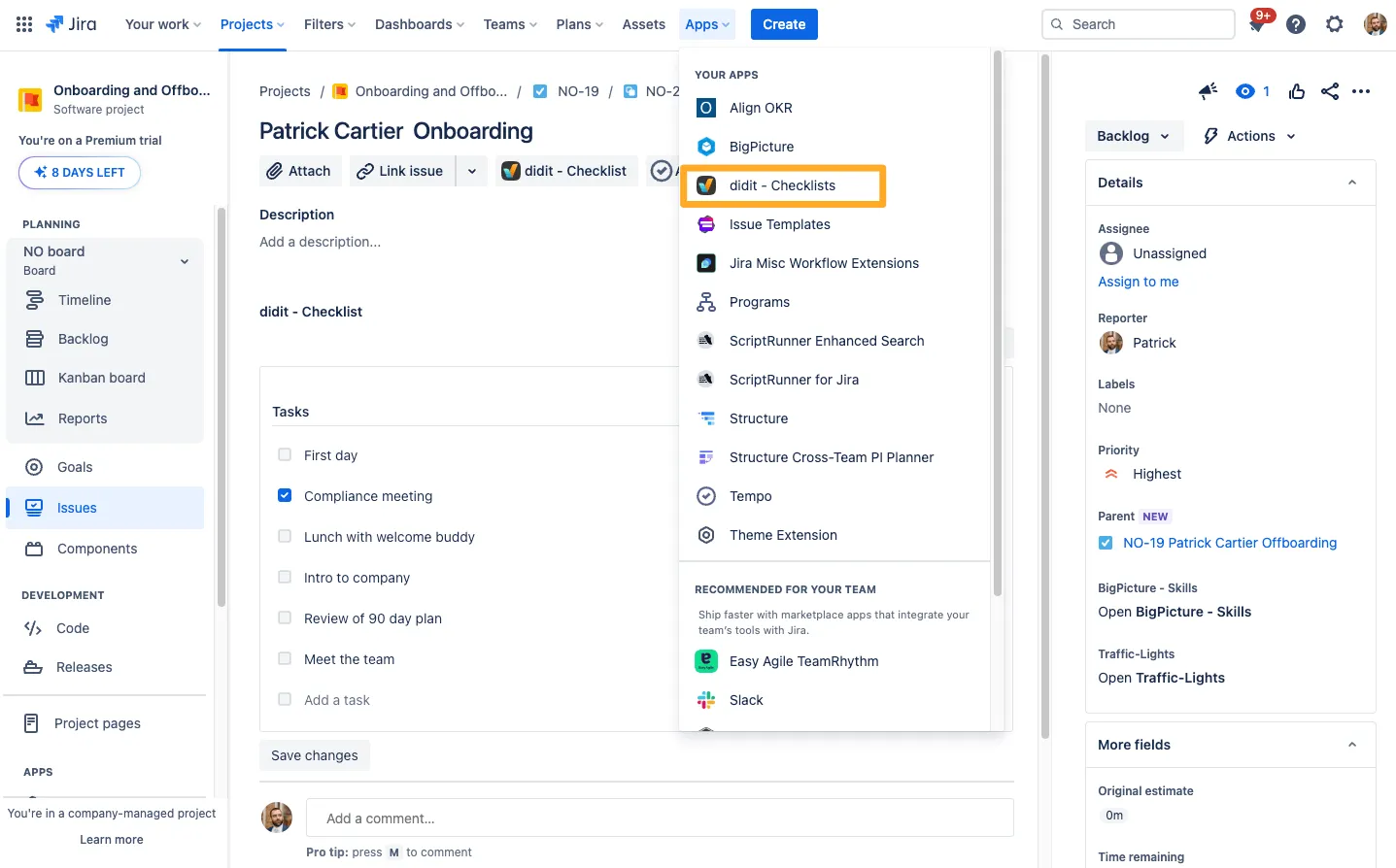
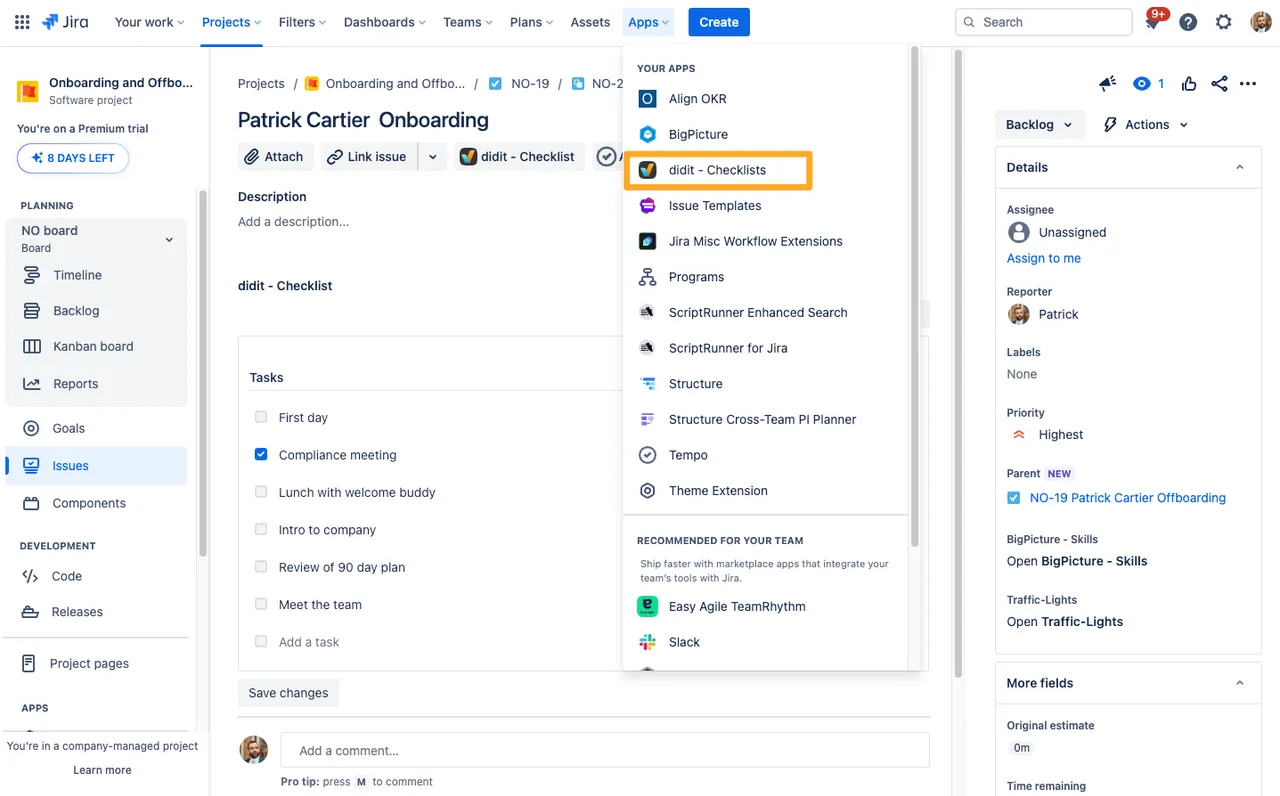
-
Choose “Manage templates” on the left.
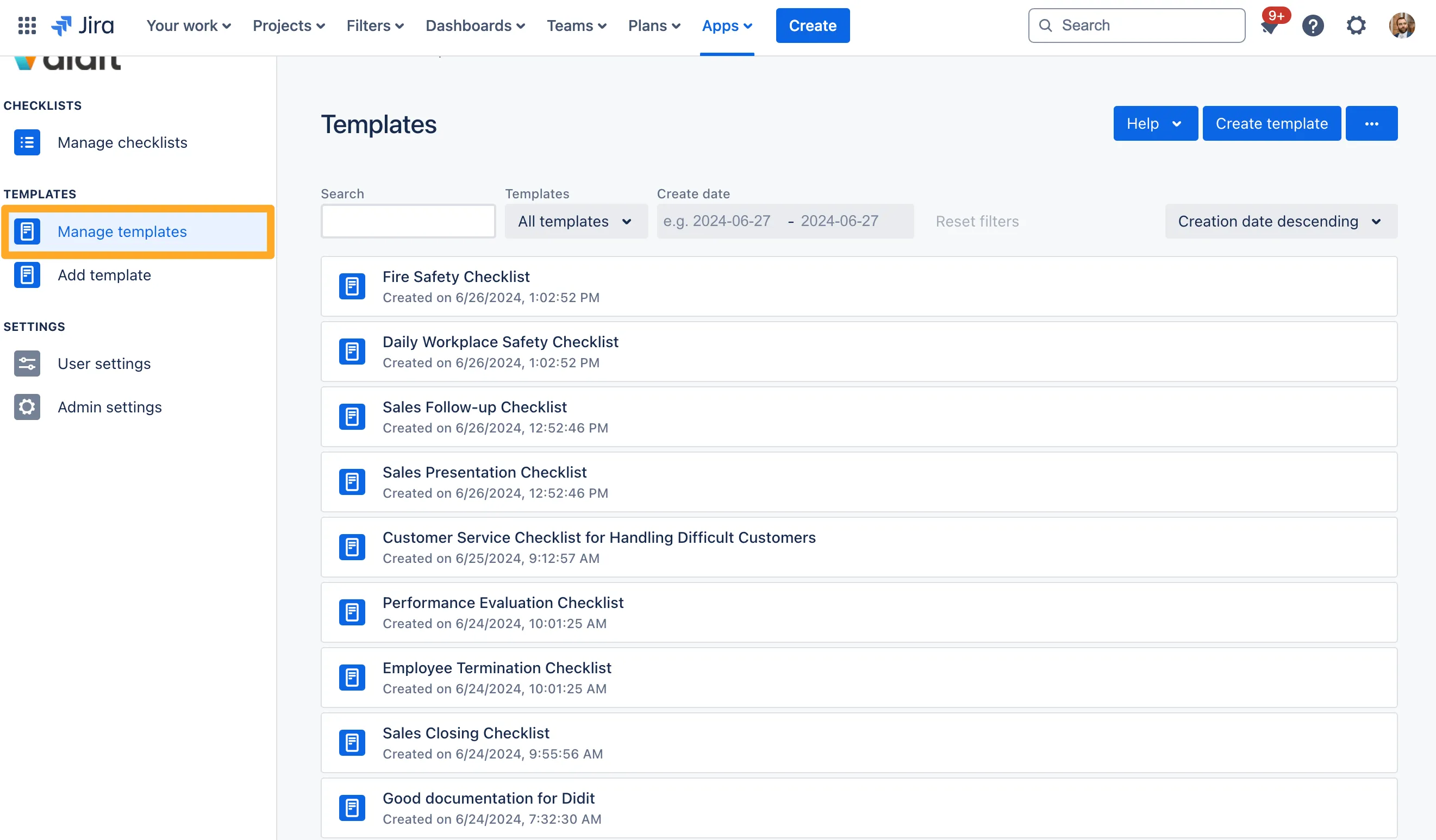
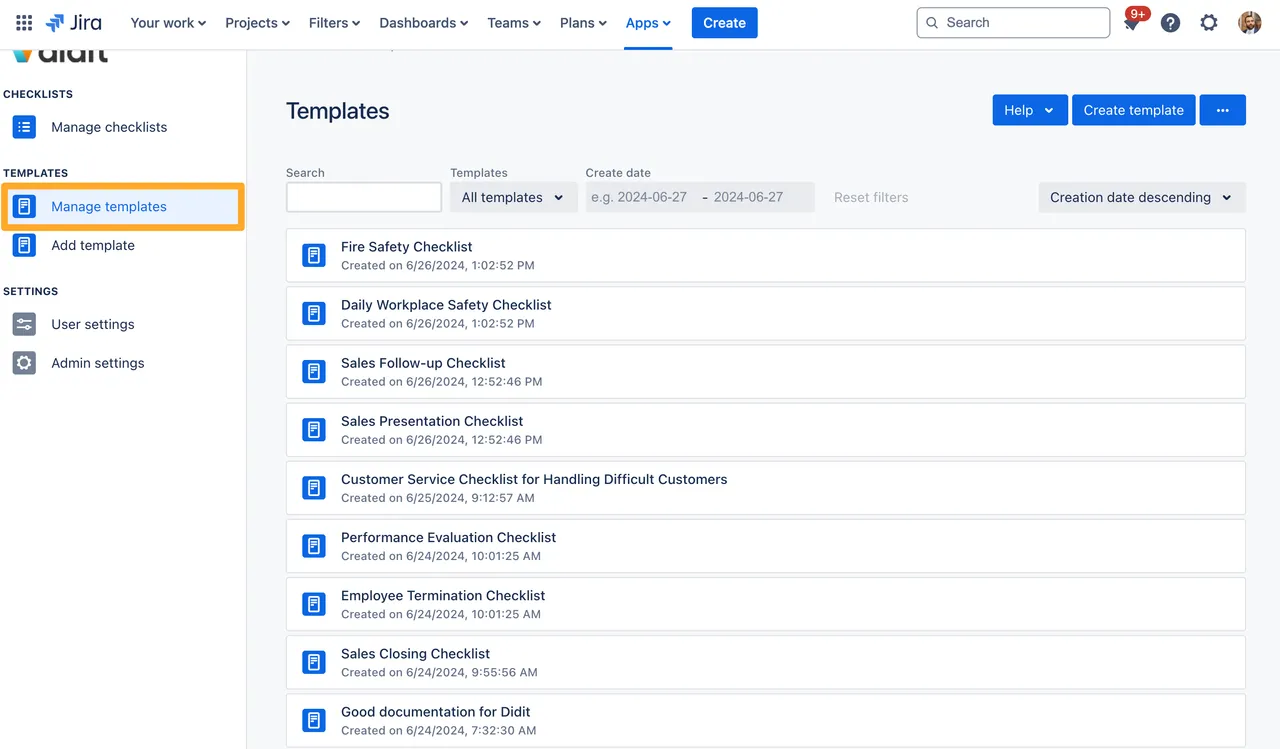
-
Hover your cursor over the checklist you would like to export, click the ”…” button, and click “Export template”.
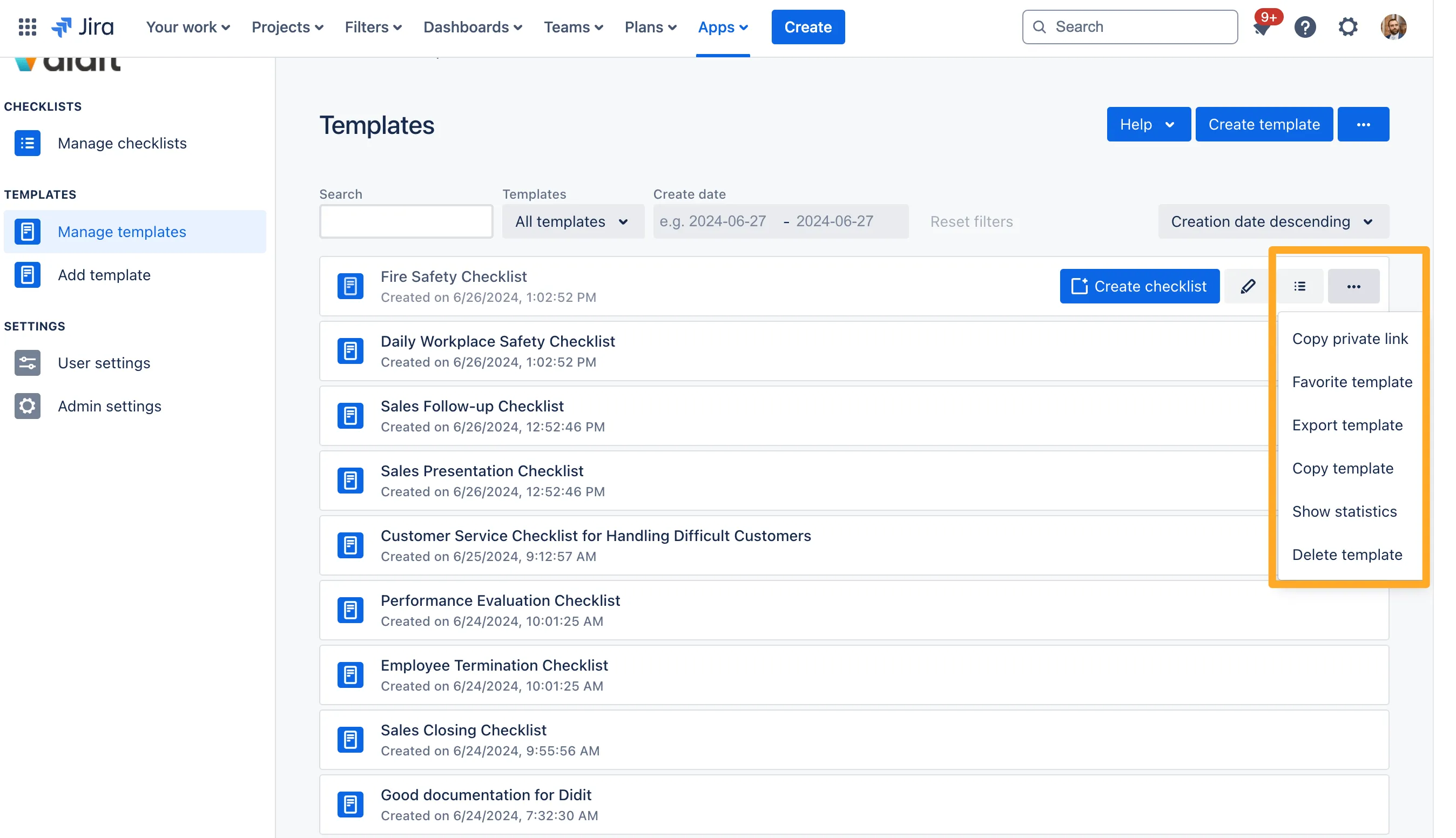
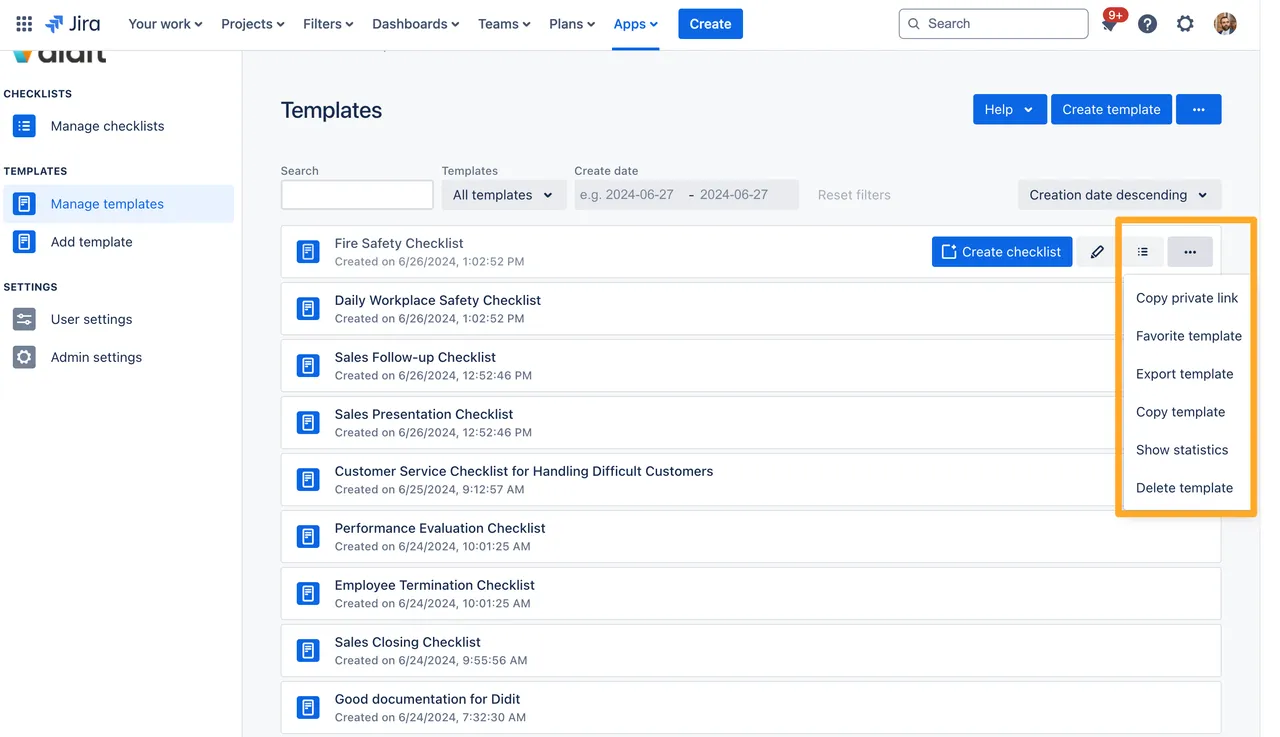
-
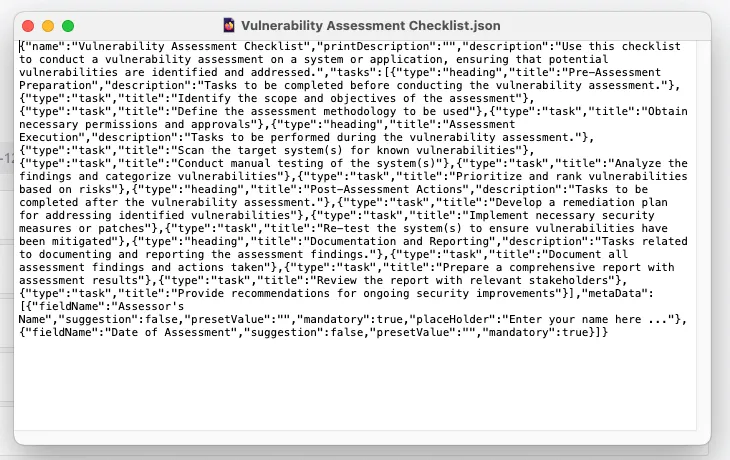
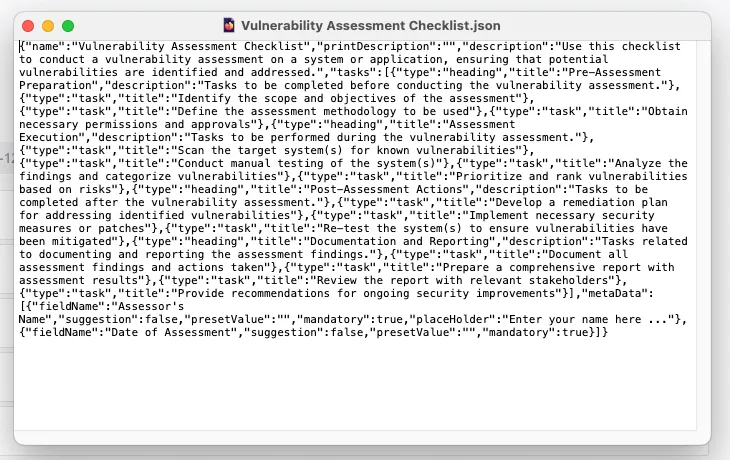
The template you exported will automatically download to your downloads folder in JSON format.
Link to this page: https://seibert.biz/howtoexportchecklist