Exporting PDFs files of checklists
Checklist view
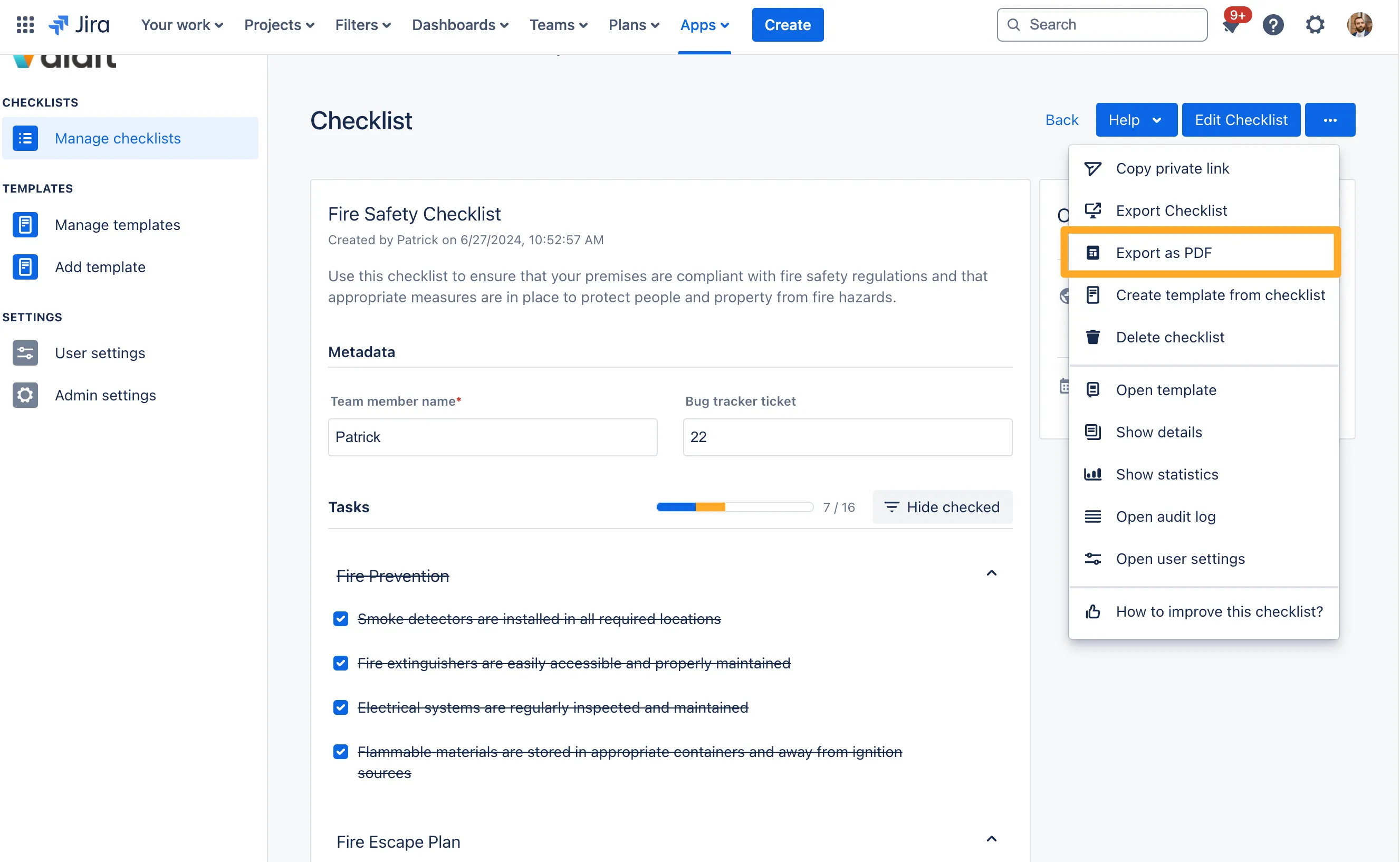
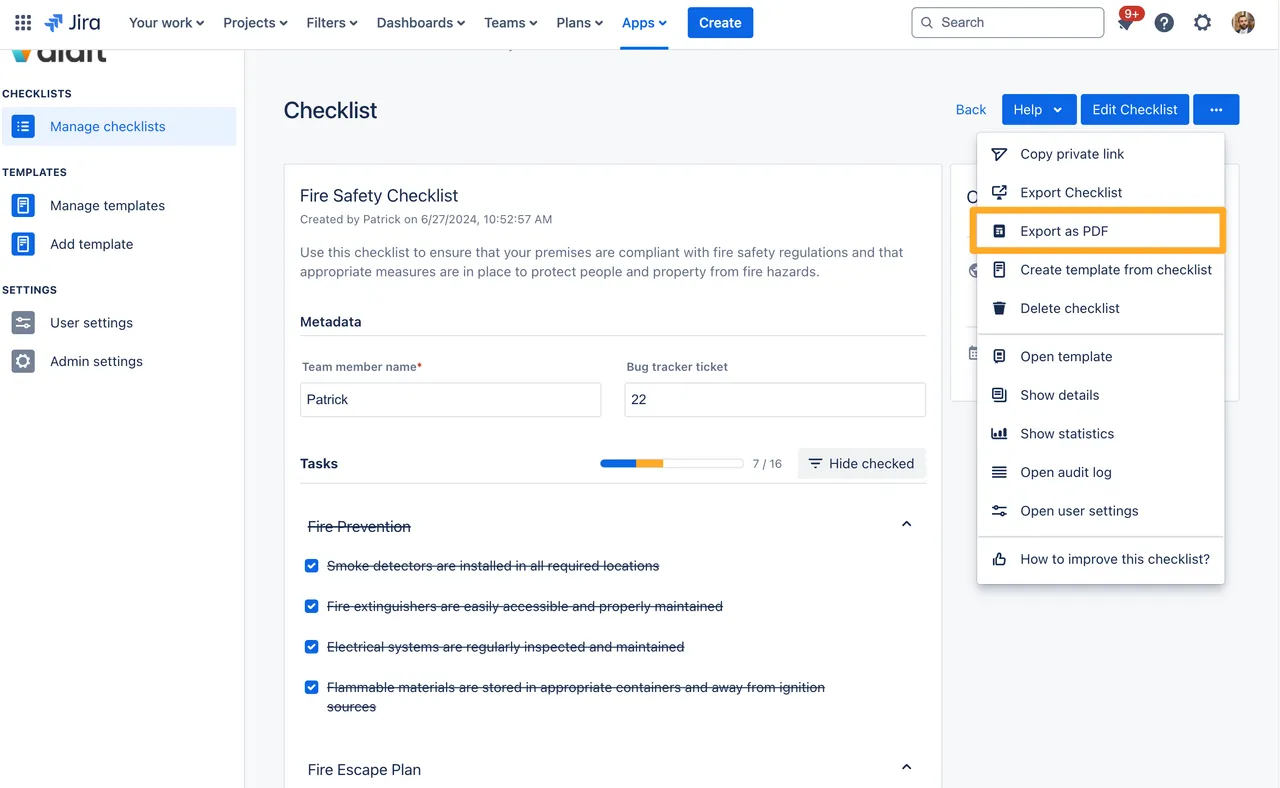
Exporting PDF files is helpful for auditing use cases and for sharing your checklist content with externals. You can export a checklist you have permission to view by using the three-dot-menu on any completed checklist in the Didit hub in Jira or Confluence, as shown here:
List view
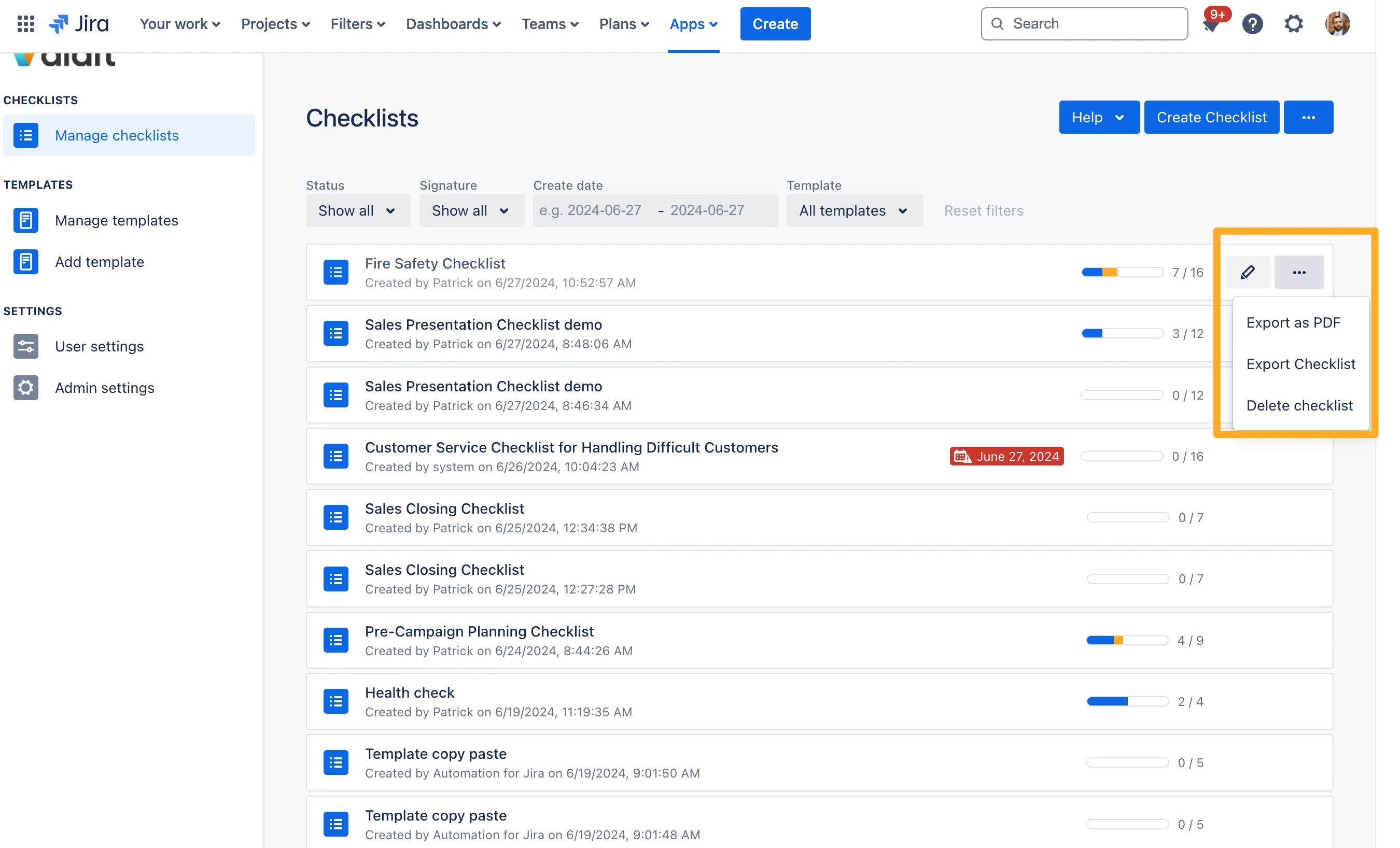
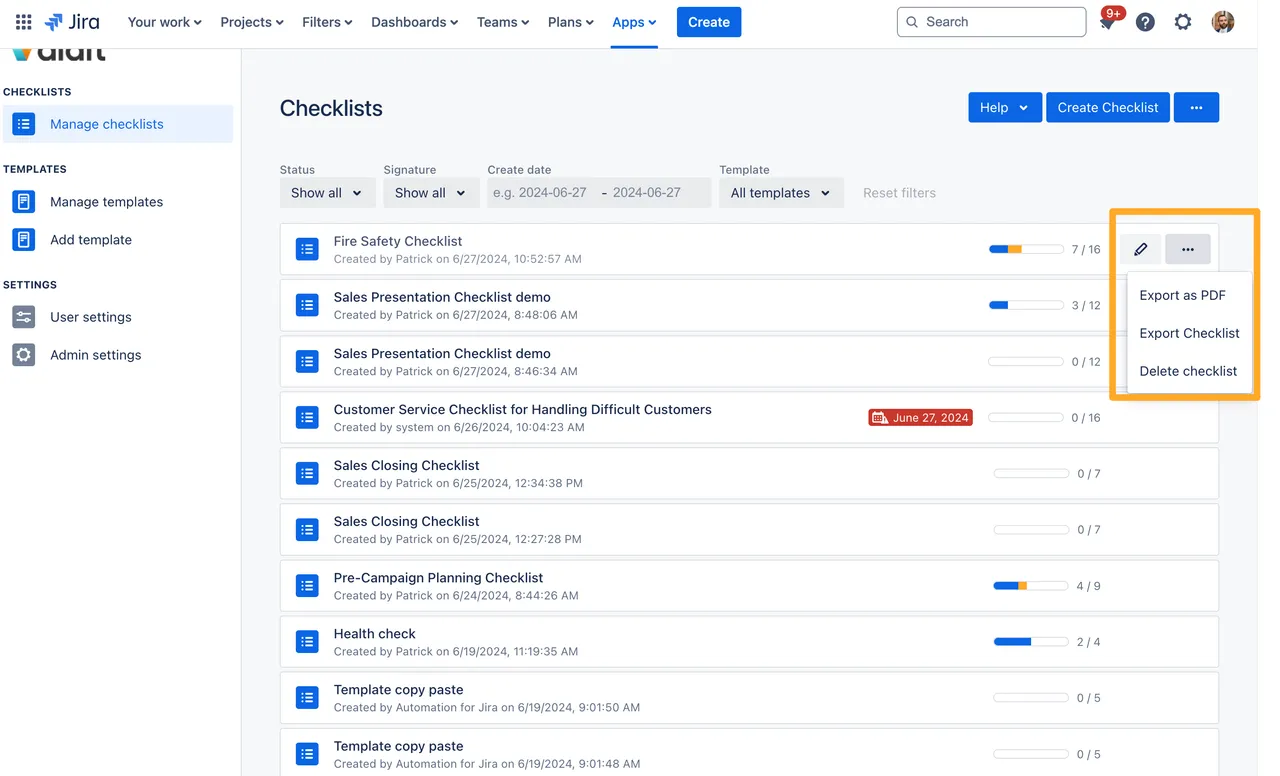
You can also export in the list view in the Didit hub.
Multiple checklist export
You can export multiple checklists to PDF at once into a single PDF file. Do this by filtering for checklists you’d like to export in the Didit hub and select one or all visible PDFs. Using the meatball menu you can then “Export multiple checklists as PDF.”


Export all checklists
You can use Export all checklists as PDF to create one PDF that includes all checklists in your current filtered list in the Didit hub. To keep exports reliable, this action supports up to 100 checklists per export. If your filtered result contains more than 100 checklists, narrow your filters and export in batches.


Emails with PDF exports are sent to checklist managers
Or, if you have set up a checklist manager, every manager will get an e-mail containing a PDF version of any finished checklists that was created from the template they are the checklist manager for. If you are having trouble accessing the Didit hub, your administrator may have restricted the page and you should contact them.
Link to this page:https://seibert.biz/checklistspdfexport