Work item links in checklists
Write a work item key like DQA-12 in a task, a description or a note, and Didit links it to the work item in Jira. There’s nothing to set up.
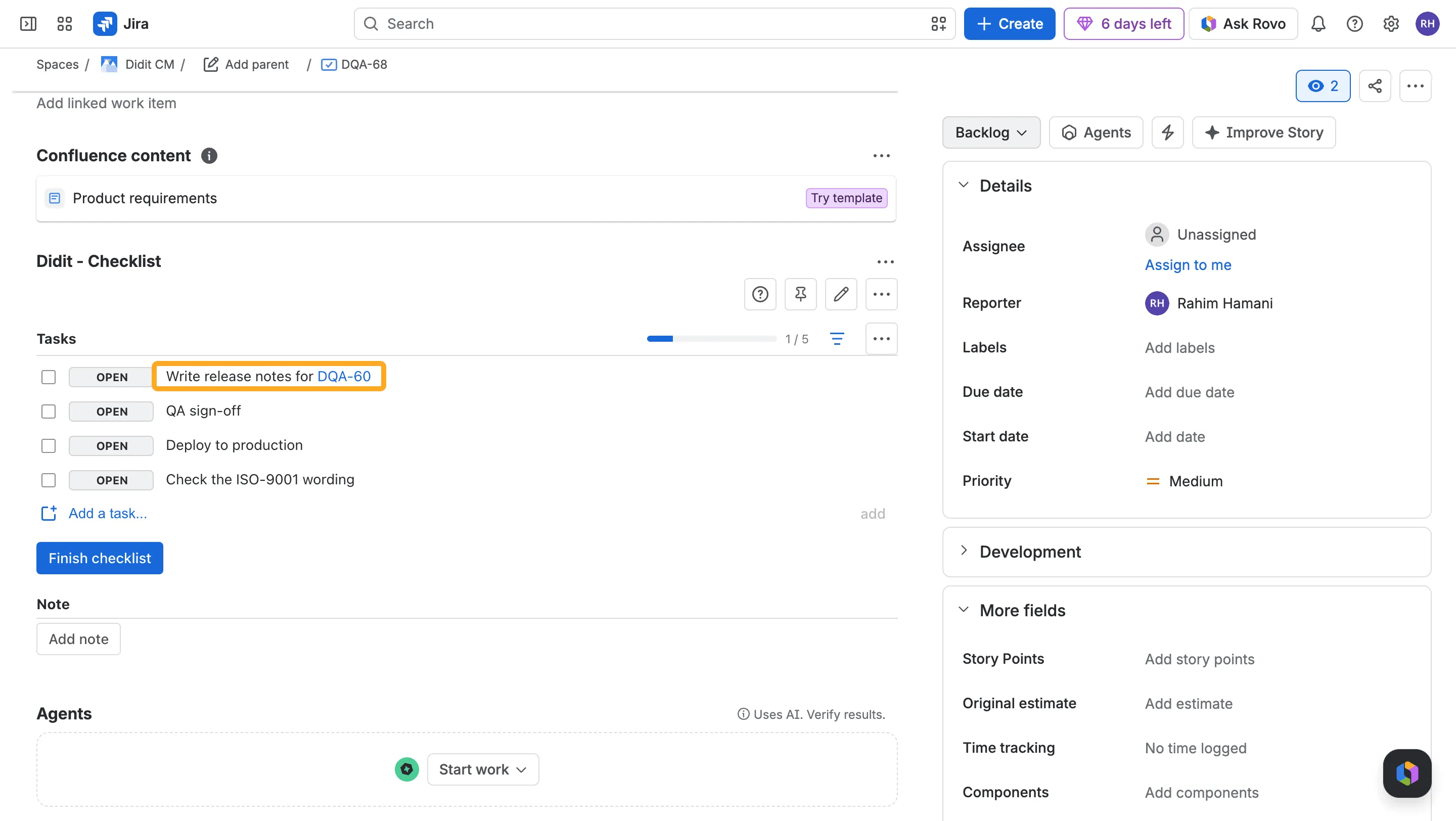
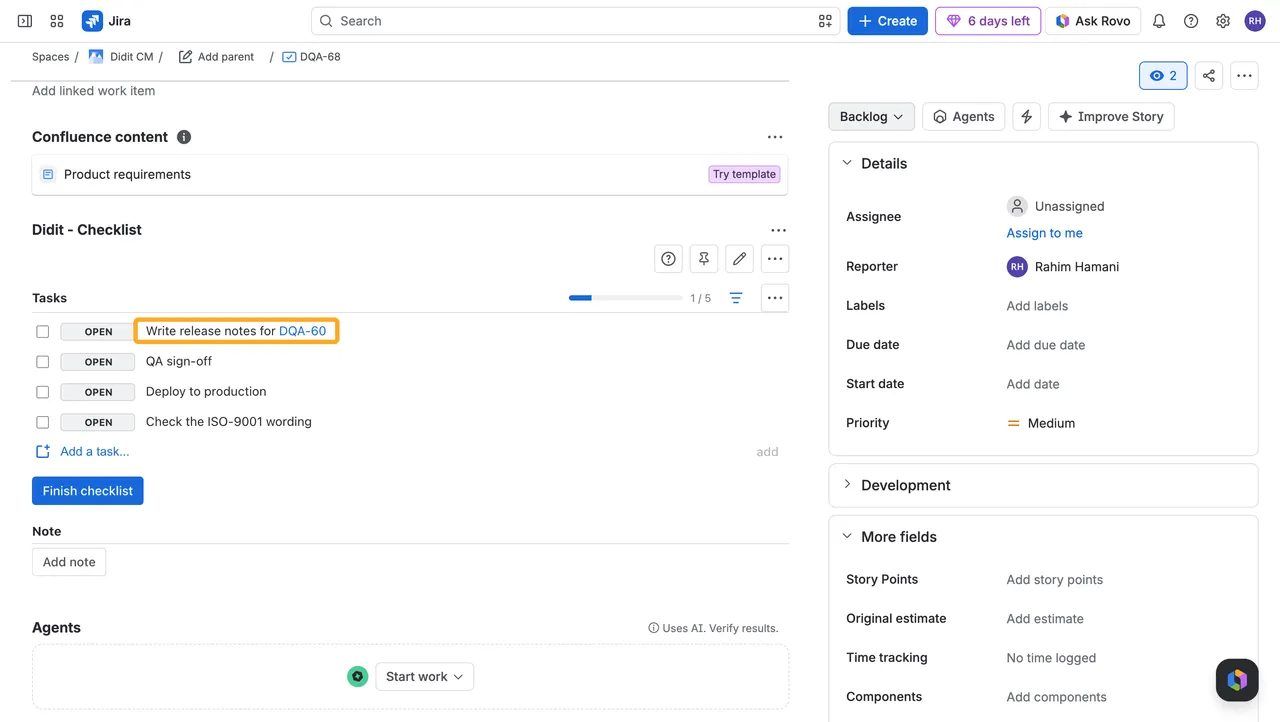
- A key becomes a link only for people who can open that work item. Everyone else sees plain text.
- Text that only looks like a key, such as
ISO-9001, stays plain text. - In Confluence and on public links, keys stay plain text.