How to check if your site is ready for Forge
Once Didit runs fully on Atlassian Forge, Jira automation rules that start Didit by setting the didit.action issue property stop working: Forge apps aren’t notified when an issue property is set (Atlassian ticket FRGE-55).
The Forge readiness tab in the Didit admin settings shows whether your site still uses these rules. It’s for Jira administrators, in Jira only. Didit for Confluence isn’t affected. To see the tab, update Didit to the latest version 5.x.
Open the Forge readiness tab
-
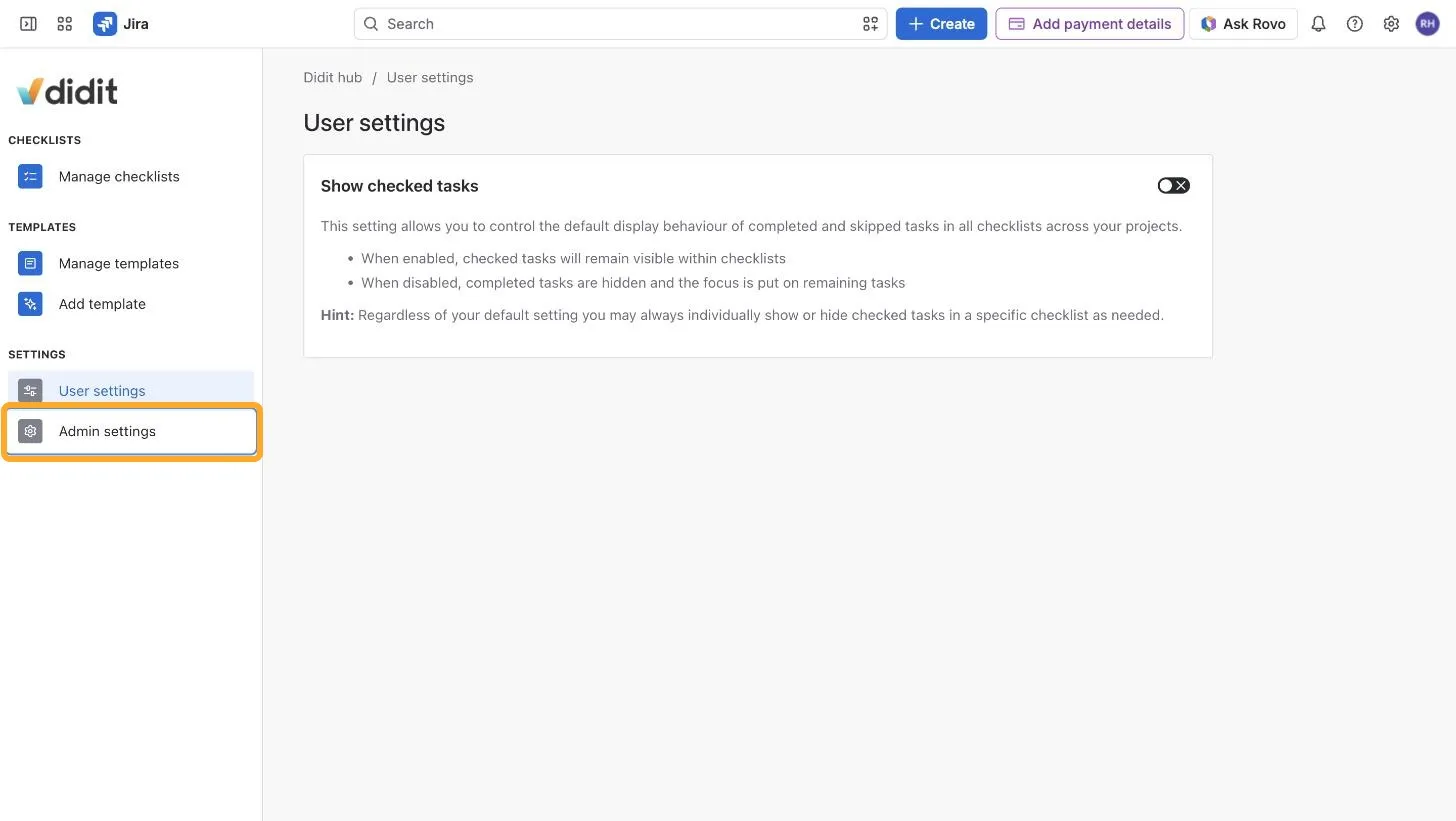
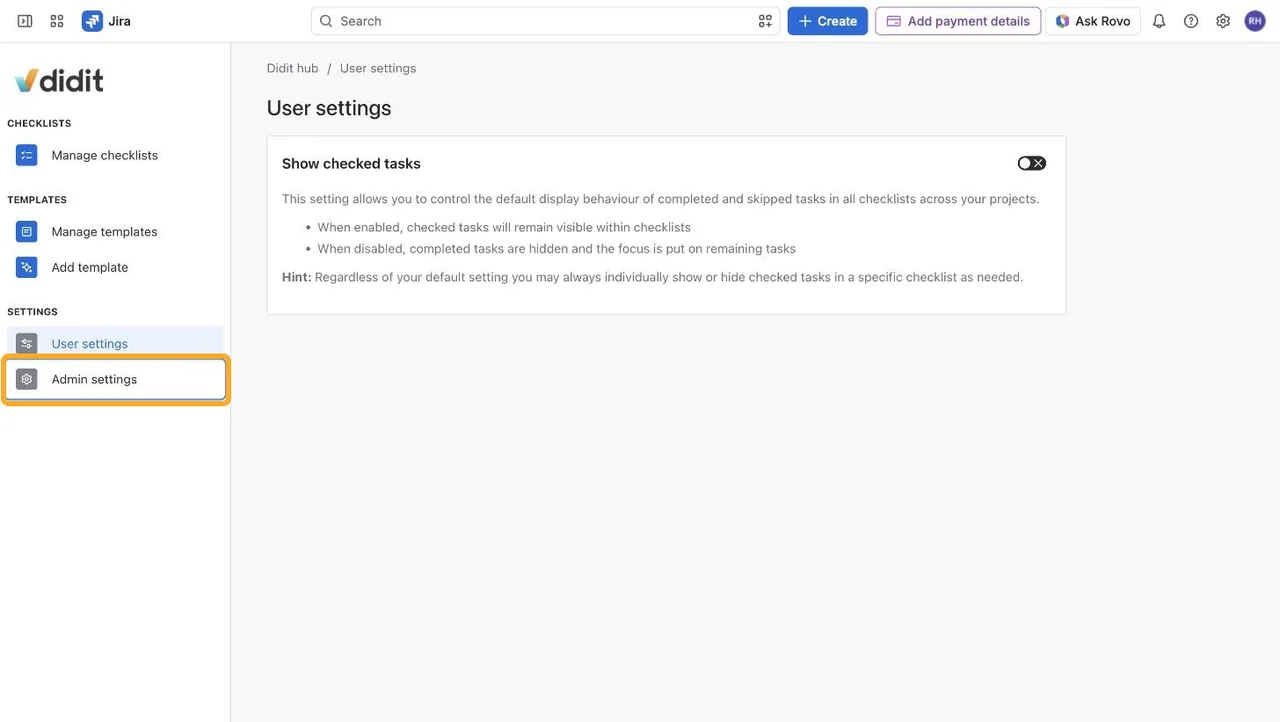
In Jira, open the Didit hub via Apps → Didit - Checklists and click Admin settings in the left navigation.
Or go to Jira settings (⚙) → Apps and choose Didit - Checklists in the left sidebar.
-
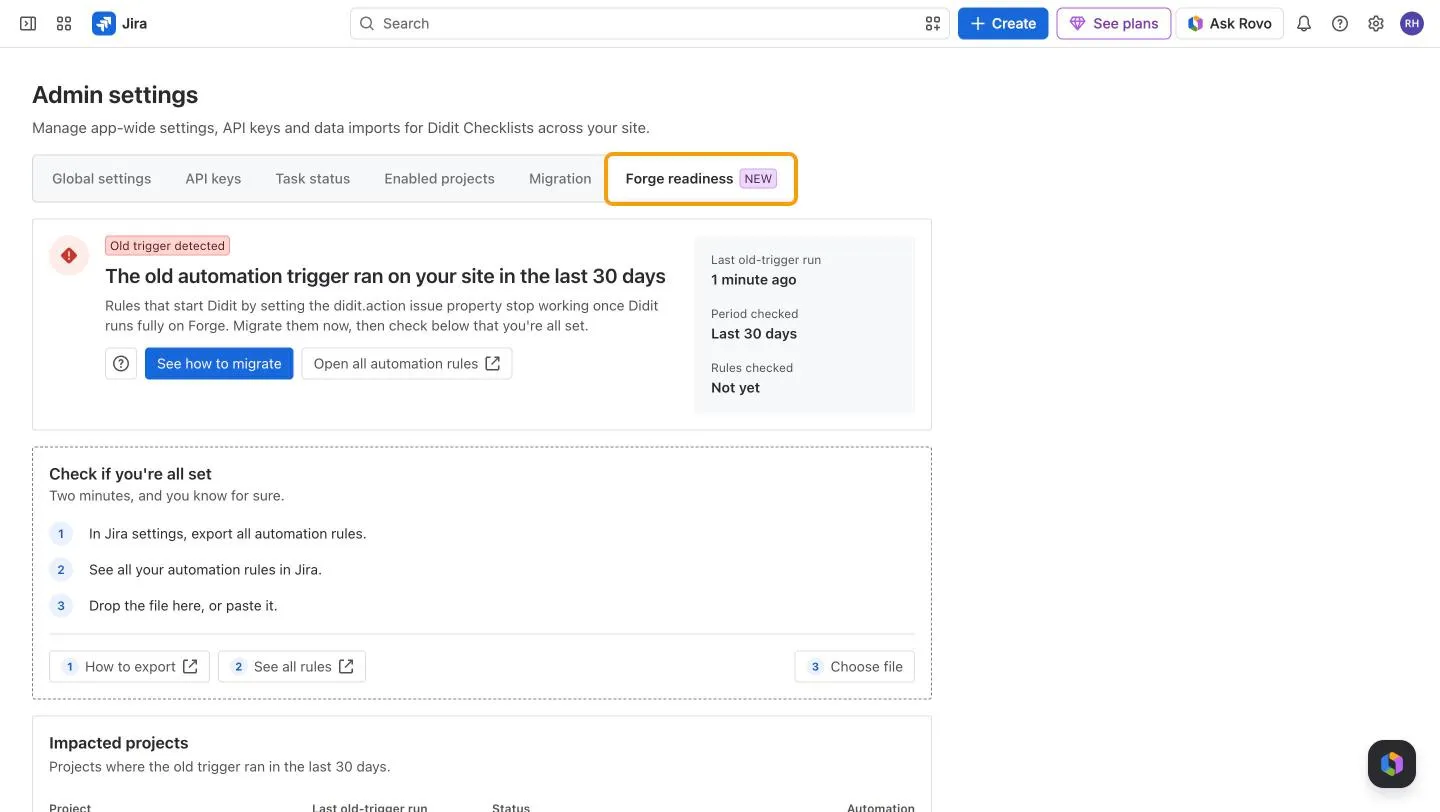
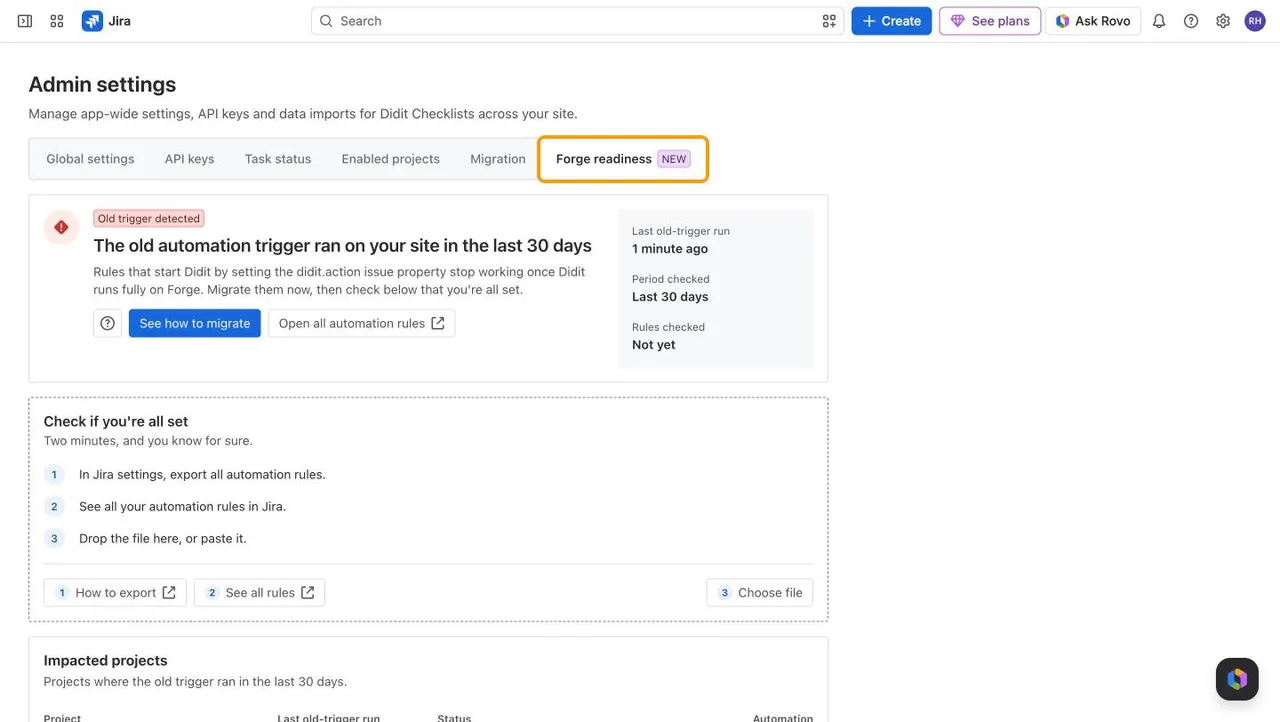
Open the Forge readiness tab.
What the status means
| Status | What it means | What to do |
|---|---|---|


| Action needed | Your last check found rules that still use the old trigger. The tab lists them by project. | Migrate them as shown in How to migrate your automation rules to Forge, then check every rule again. |
| Ran after your check | Your last check was clean, but the old trigger ran after it. | Find the rule in the project the tab names. It may be new, imported, or missing from the export. Migrate it, then check again. |


| Old trigger detected | No check yet, and the old trigger ran in the last 30 days. The tab lists the projects it ran in. | Follow How to migrate your automation rules to Forge, then check every rule. |
| Probably good | No check yet, and the old trigger hasn’t run in the last 30 days. | To be sure, check every rule. A rule that rarely runs or is turned off can still use the old trigger. |
| All good | Your last check found no rule that uses the old trigger, and it hasn’t run since. | Nothing. |
Check every rule
Give the tab an export of all your rules. It’s the only way to be 100% sure:
-
In Jira settings (⚙), select System → Automation flows, then More actions (…) → Export flows. Click Next, then Done.
See all rules in the tab’s Check if you’re all set box opens that page for you.
-
In the Forge readiness tab, drop the file on Check if you’re all set, paste it there, or click Choose file.
Didit lists every rule that still uses the old trigger, by project, removes projects without one from Impacted projects, and updates the status for your whole site. The box shows when the last check ran and who ran it. The list itself isn’t saved: check the file again to see it later.
Frequently asked questions
As soon as an export of all your rules has no rule that uses the old trigger. It stays All good until the old trigger runs again.
No. Your browser reads the export. Didit keeps only how many rules it has and how many still use the old trigger, plus when the check ran and who ran it.
The old trigger ran in it again, so a rule there still uses it. Migrate that rule, then check every rule again.
Check global and multi-project rules with Open all automation rules, and drop an export of all rules on Check if you’re all set. If no rule in it uses the old trigger, a script, an integration, or another app probably sets the property. Contact us and we’ll help you find a replacement.
The project was deleted or archived, you can’t browse it, or Didit couldn’t load its name. Use Open all automation rules instead.
Turning a rule off stops the old trigger, but your export still contains the rule, so the tab keeps saying Action needed. If you don’t need the rule anymore, delete it.
The tab keeps its answer for a few minutes. Reload the page to see the latest state.
Reload the page. If the message keeps coming back, contact us.
Need help getting your site ready? Reach out to our support team or chat with us.