Mandatory tasks
Tasks are optional: anyone filling out a checklist can skip them. Mark the ones that have to be done as mandatory. A mandatory task can’t be skipped, and the checklist can’t be finished until it’s checked.
Mark a task as mandatory
-
Open the template in the editor.
You can also mark tasks while you edit a checklist or create one without a template. -
Click the ”…” next to the task and choose “Mark as mandatory.”
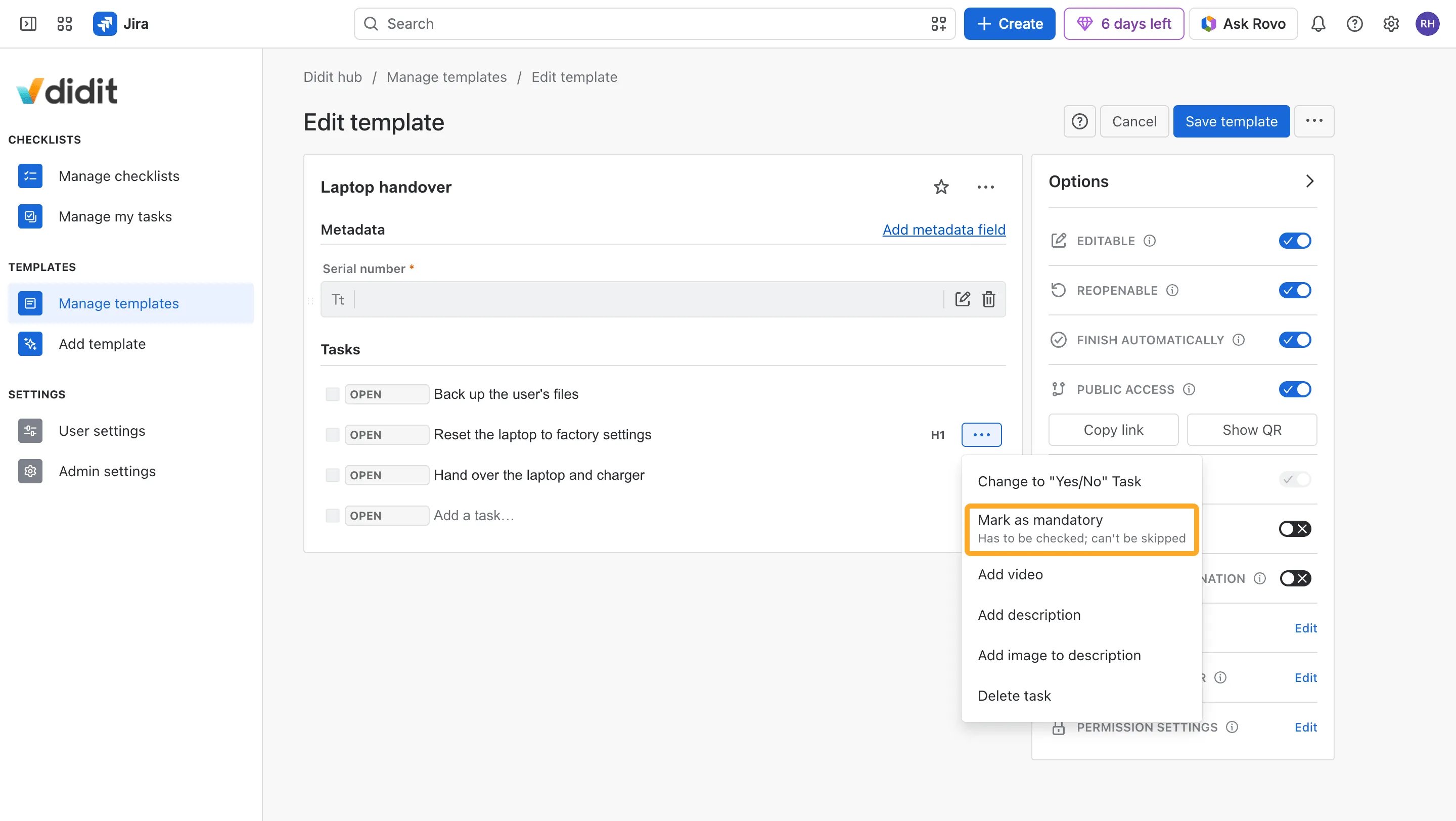
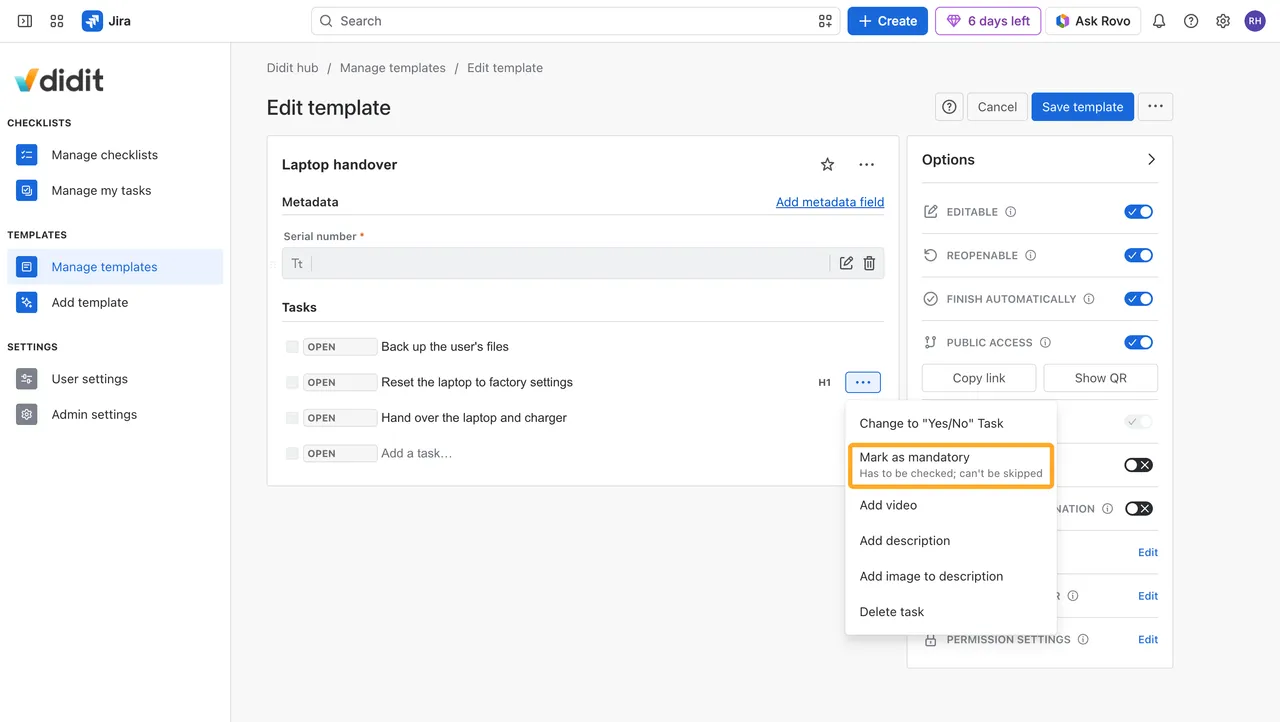
-
Save the template.
A red asterisk now marks the task. To undo it, choose “Mark as optional” in the same menu.
New checklists from the template have the mandatory tasks. Headings can’t be mandatory.
Fill out a checklist with mandatory tasks
A mandatory task shows a red asterisk, and its Skip option is turned off. Finish skips only the optional tasks that are still open. While a mandatory task is open, the checklist doesn’t finish and points to the task that’s missing.
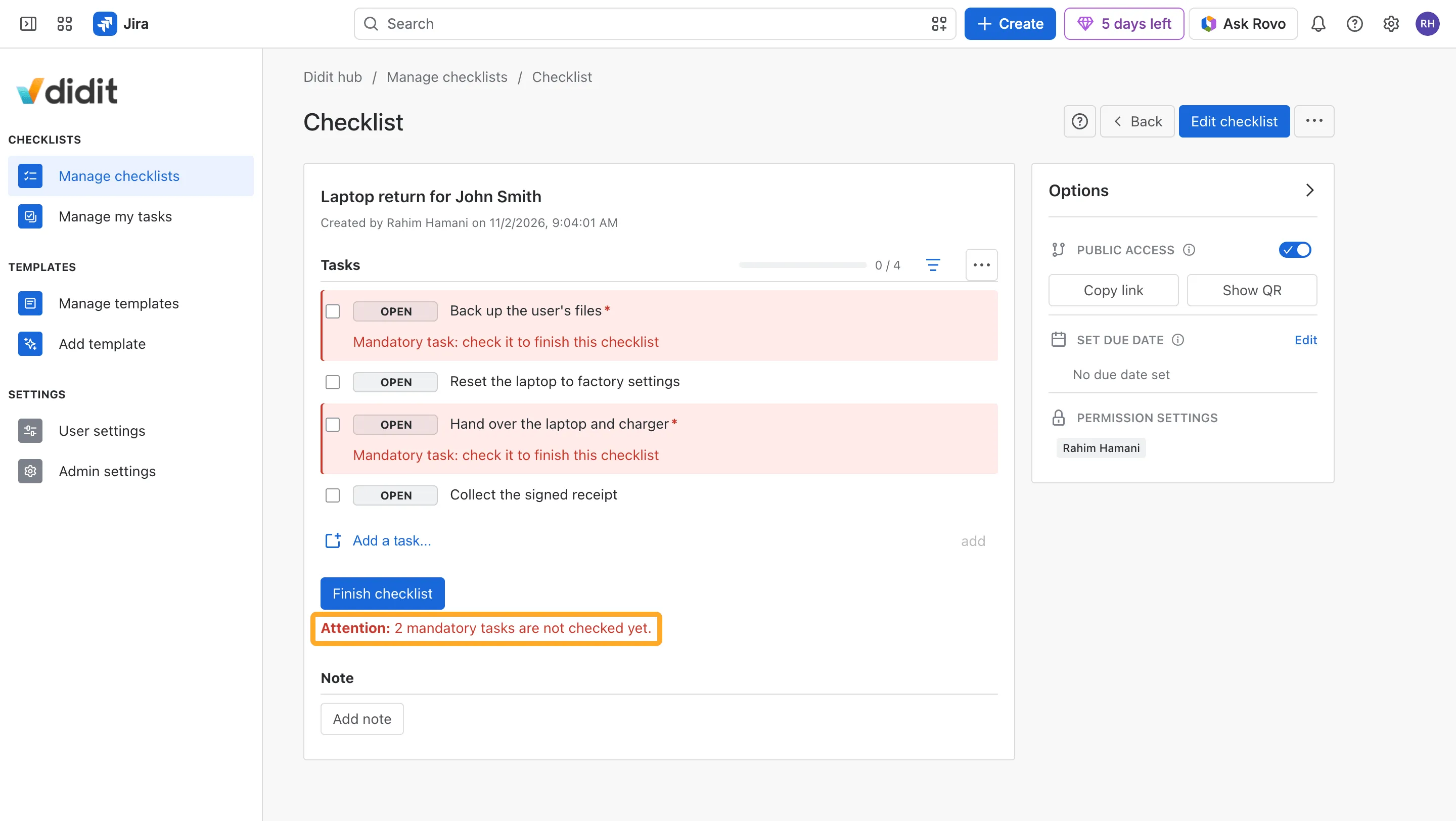
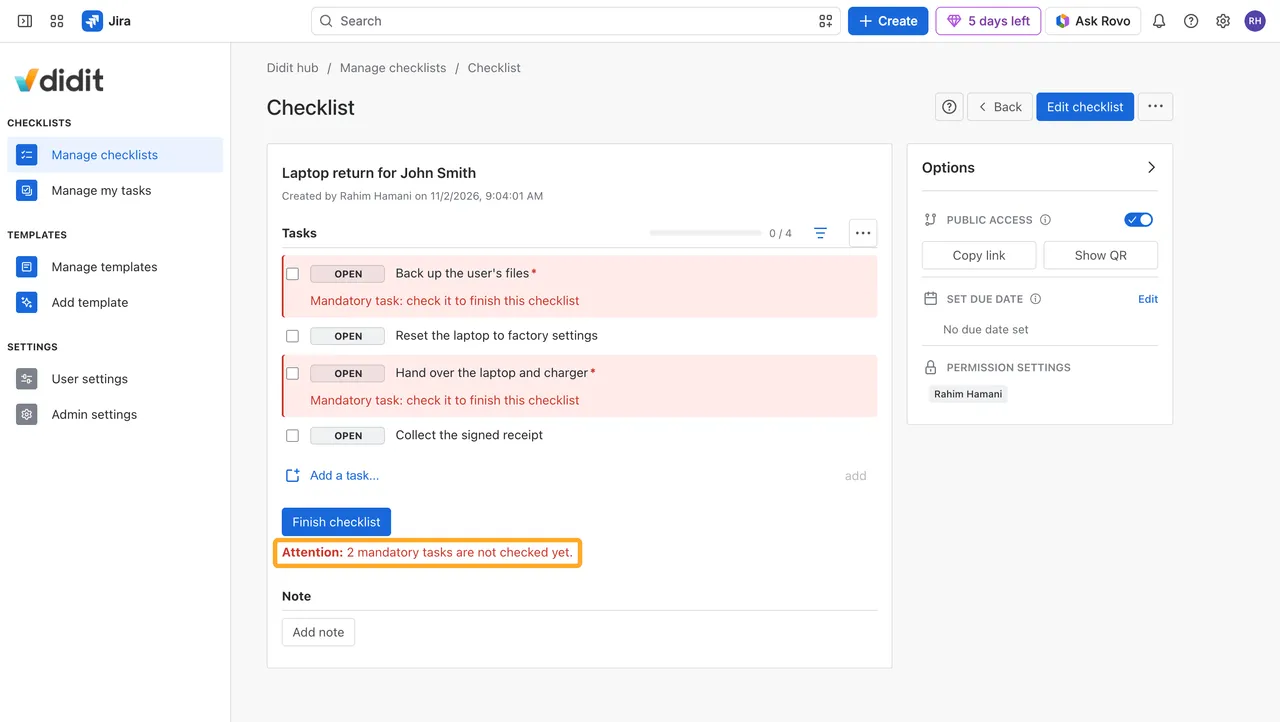
A checklist that finishes automatically waits for its mandatory tasks to be checked too.
Mandatory tasks in Jira
- Validator: “The mandatory checklist tasks are checked” stops a transition while a mandatory task is open. Optional tasks may stay open. See Validators for Jira workflow transitions.
- Post function: “Skip all open tasks” skips only the optional tasks and leaves the mandatory ones open.
- Field: “Didit open mandatory tasks” counts the open mandatory tasks of a work item, for JQL and Jira Automation.
Good to know
What happens to the tasks I already have?
They stay optional until someone marks them.
Can I mark a task while I fill out a checklist?
No. Marks are set in the editor, so people filling out a checklist can’t make a task optional and skip it.
What about the mobile app?
It can check mandatory tasks. When it tries to skip one or to finish the checklist early, it shows an error.