Release in February 2025
We’ve packed a lot into this release: a brand new way to track task progress, finer-grained control over template visibility, and a faster way to roll the same checklist out to many issues at once.
What’s new and improved?
Custom Task Statuses NEW
Until now, every task in a Didit checklist was either open, complete, or skipped. With this release, Jira admins can turn on Task Statuses and define their own statuses on top of those three. Map each custom status to one of the underlying states (Open, Complete, Skipped) and pick a color to make it easy to scan at a glance.
- Toggleable globally: Admins can switch the feature on or off from the Didit “Task Status” admin page. Existing checklists keep their progress when you toggle, and statuses reappear if you turn the feature back on.
- Six color options: Choose from grey, blue, yellow, purple, red, or green so each status reads clearly inside a busy checklist.
- Default statuses are protected: Open, Complete, and Skipped are always available and cannot be edited or deleted.
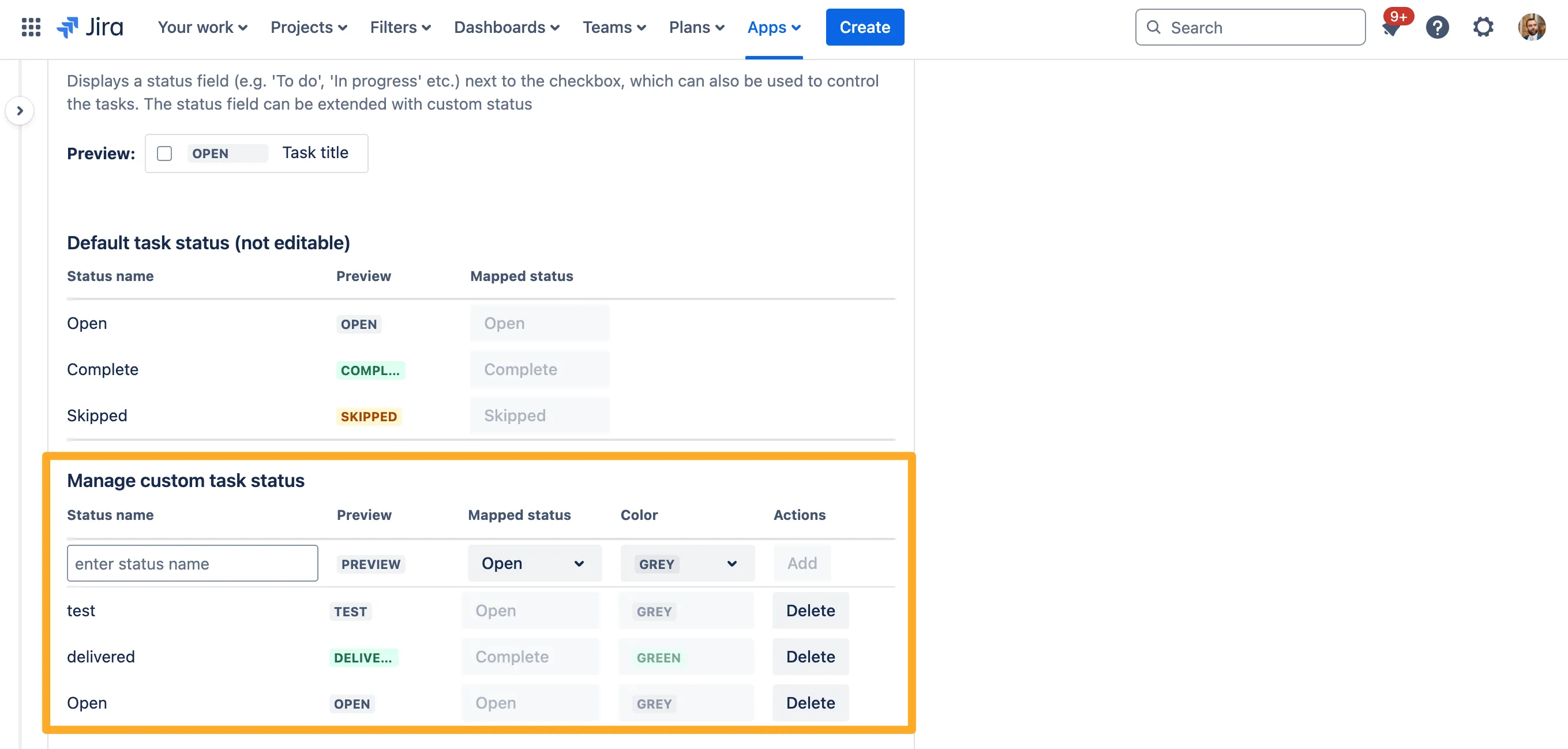
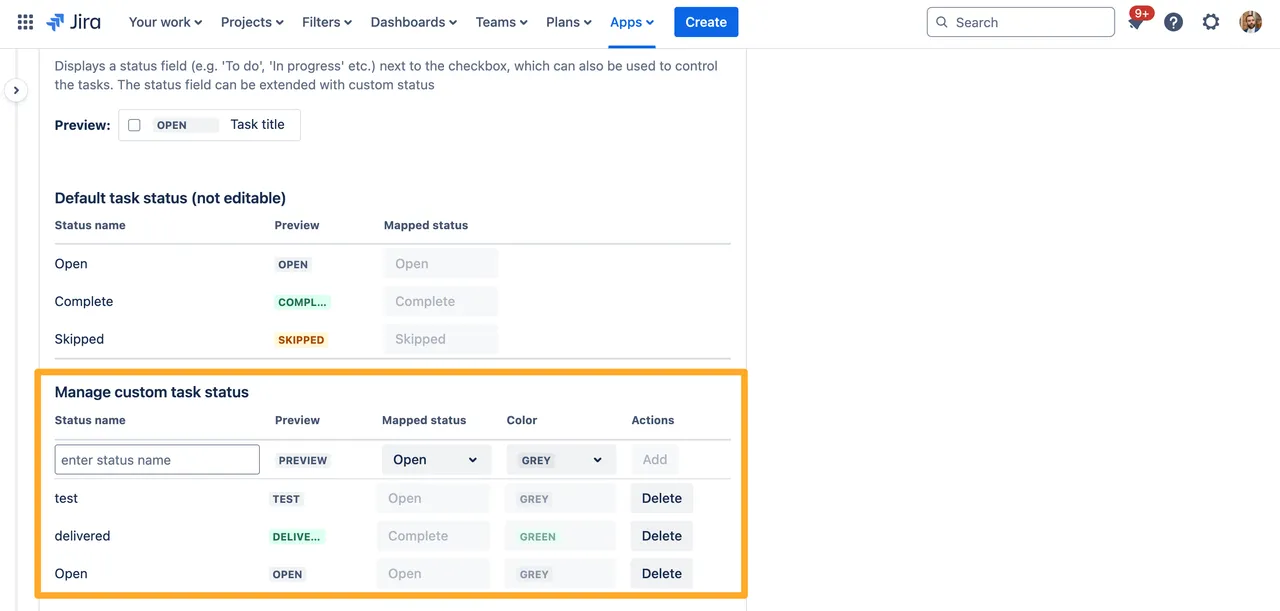
Read the full setup guide on the checklist task status settings page.
Default Template Permissions NEW
We’ve added a global setting that controls who can see checklist templates without explicit permissions applied. Leave it on for the open behavior you’re used to, or switch it off to restrict every unscoped template to admins only — perfect for organizations that need a stricter compliance posture by default.
- One toggle, organization-wide: Lives under the Didit Checklists section of the global apps admin page in Jira.
- Safe to flip back and forth: Existing template permissions are not changed; only the default for unscoped templates moves with the toggle.
- Public links are unaffected: If a checklist is shared via public access, the global default still doesn’t override that.
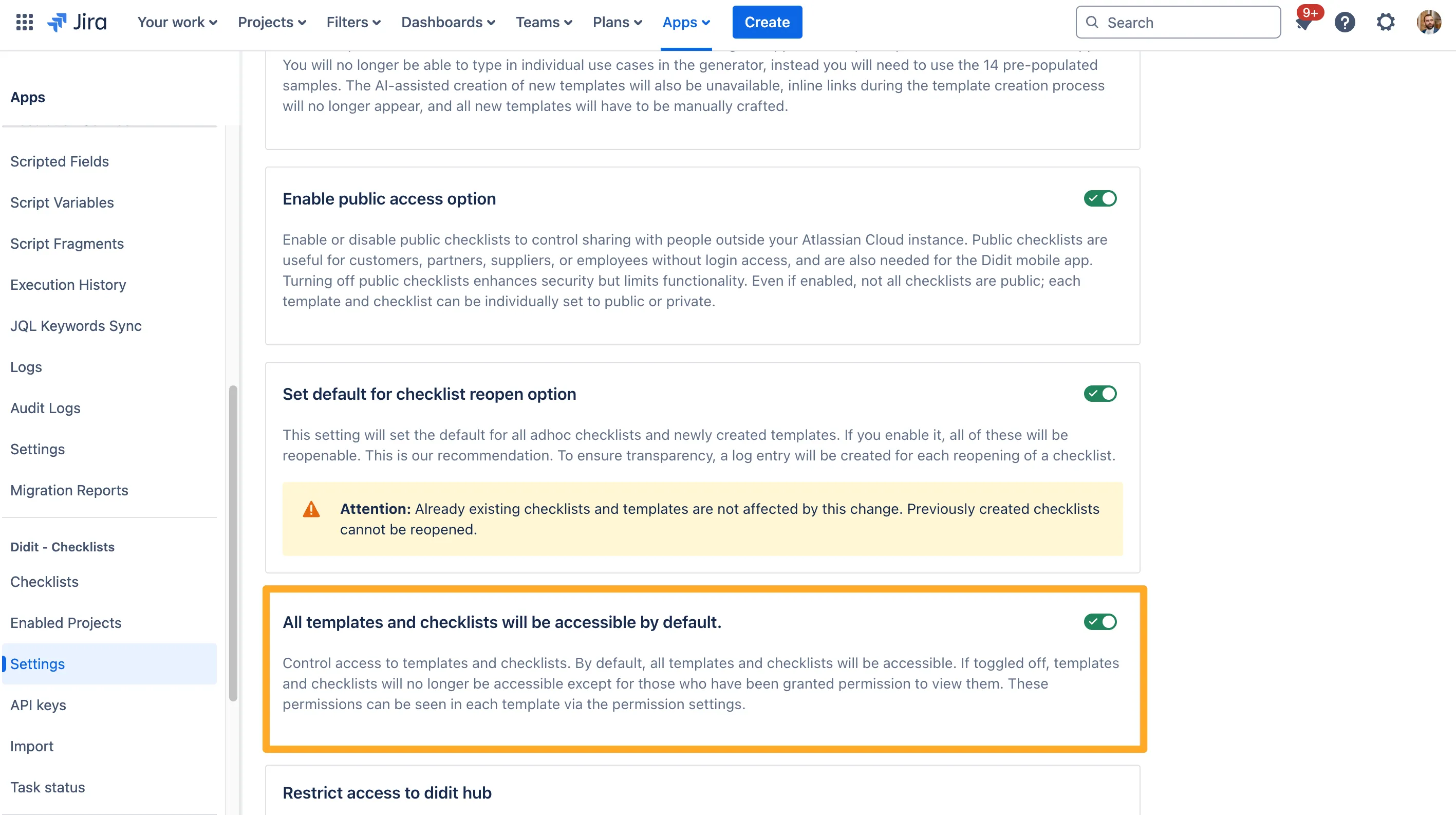
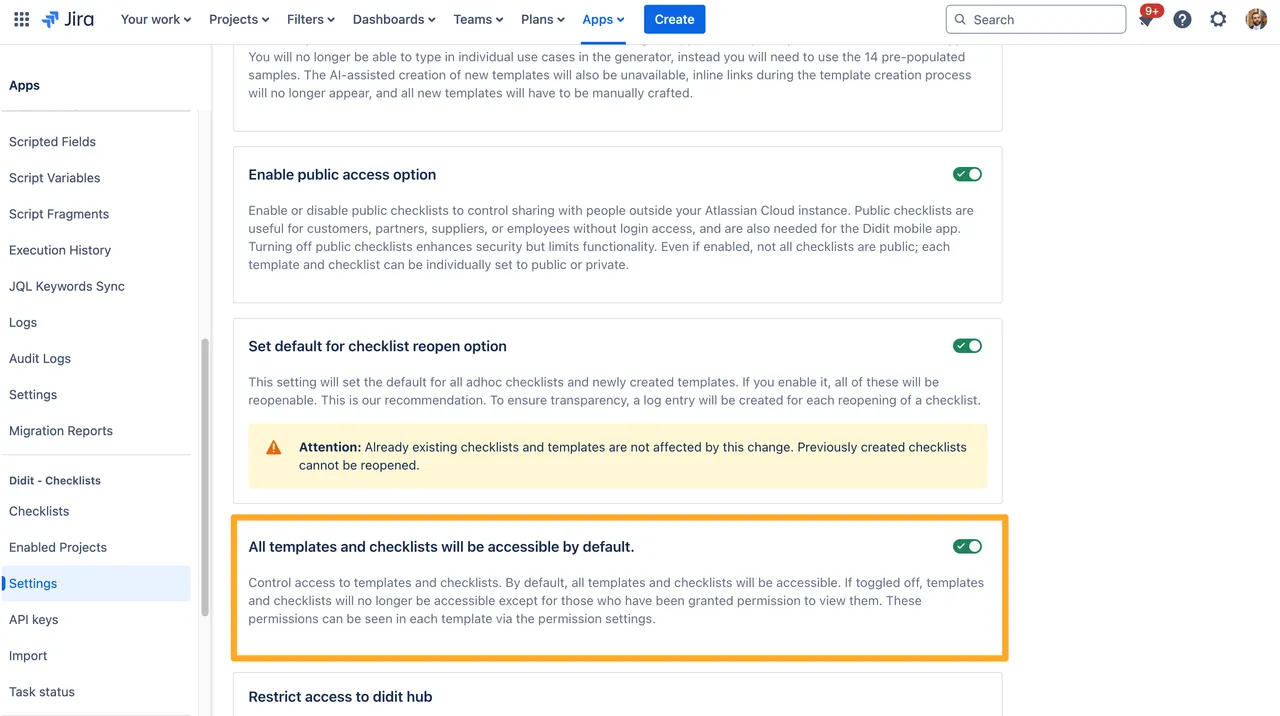
Learn more on the global default template permissions page.
Individual Users in Permission Settings IMPROVED
Permission settings on templates and checklists previously only accepted Atlassian groups. You can now also add individual users directly. This is great for one-off ownership scenarios — for example, granting a single subject-matter expert edit access to a sensitive template without creating a new group just for them.
Clone Multiple Checklists at Once NEW
When the same checklist needs to live on many Jira issues, copying it one issue at a time was painful. Now you can clone a checklist instance to multiple issues in a single action — pick the checklist, pick the destination issues, and Didit takes care of the rest.


This is especially powerful when paired with the automation wizard for scenarios like “every new bug should get our QA checklist” — you can backfill the existing backlog with one click and let automation handle new issues going forward.
Thanks for sticking with Didit — keep the feedback coming on our Canny board, and we’ll see you next month.