How to automatically add a checklist to an issue when a user creates an issue
Using automation rather than the default checklist settings per issue type, you can add a checklist to an issue depending on different field values.
-
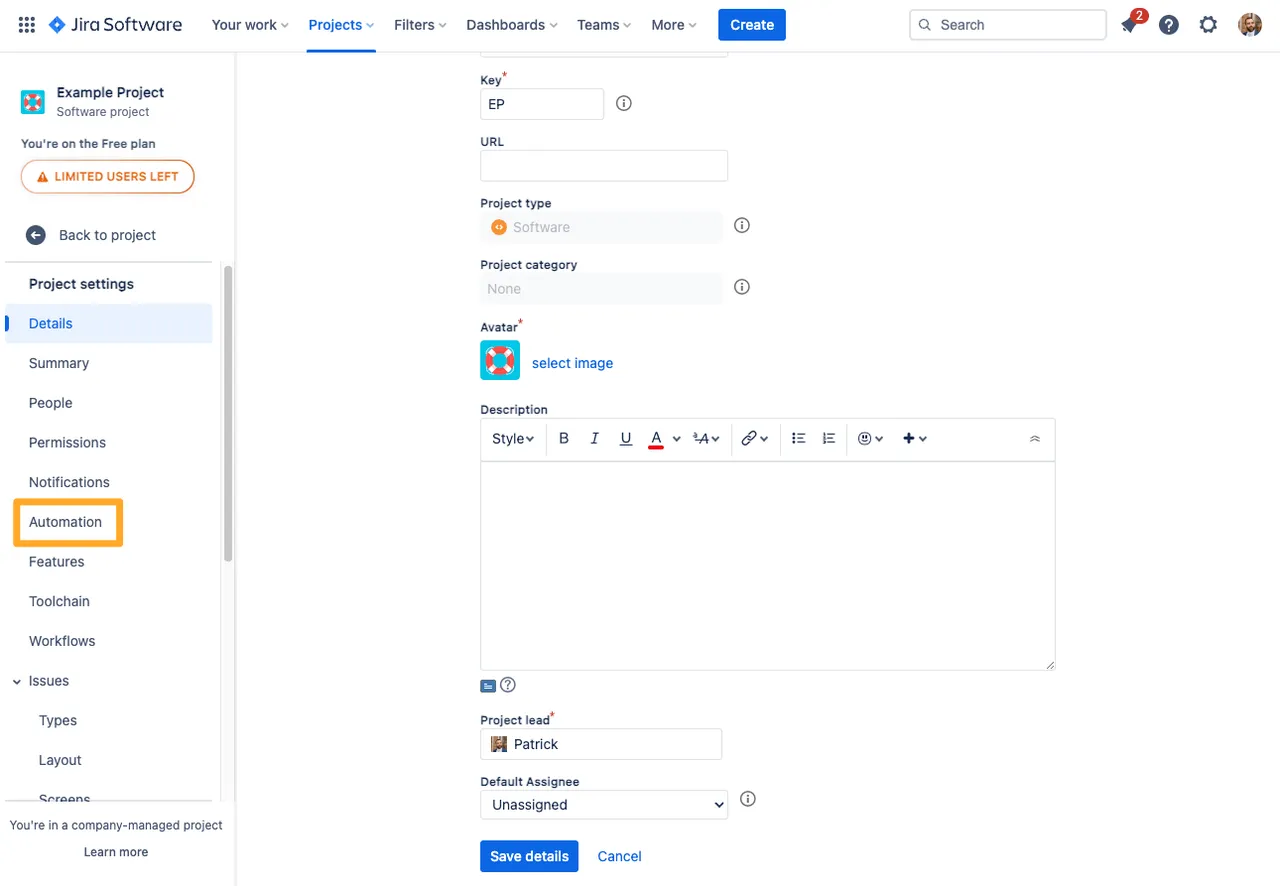
Navigate to the project automation section of your Jira project. If you are a Jira admin, you can do this from the global automation administration page.
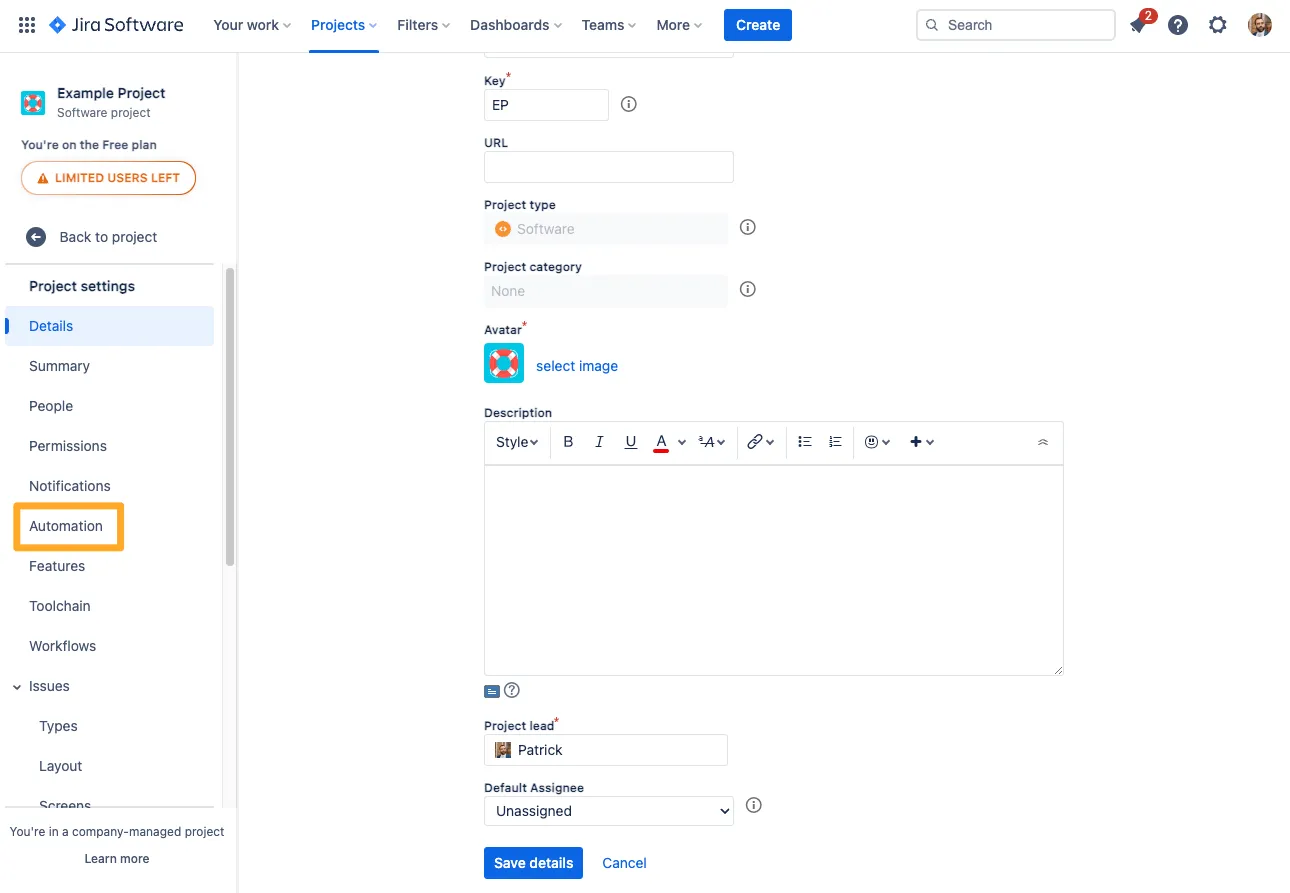
-
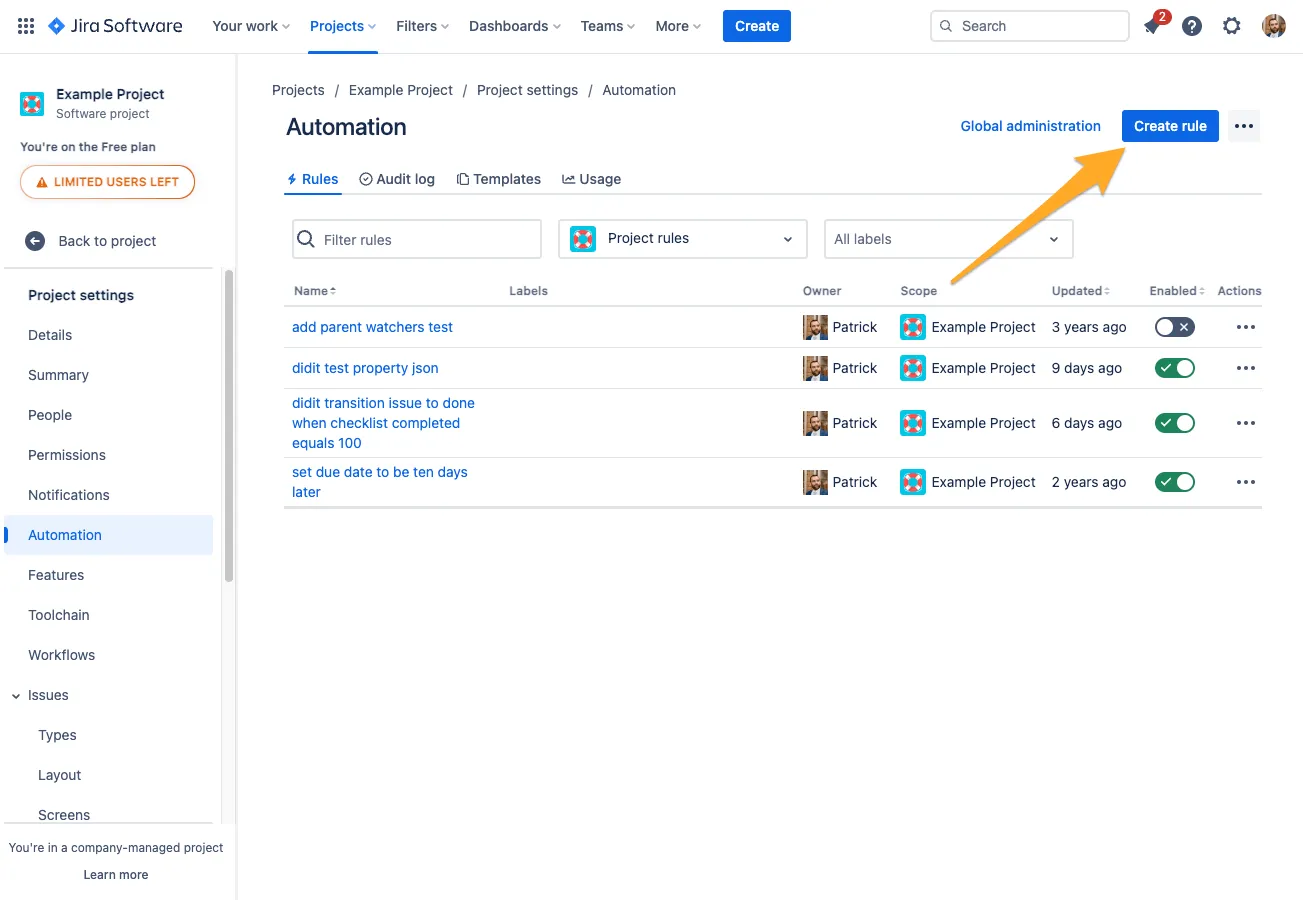
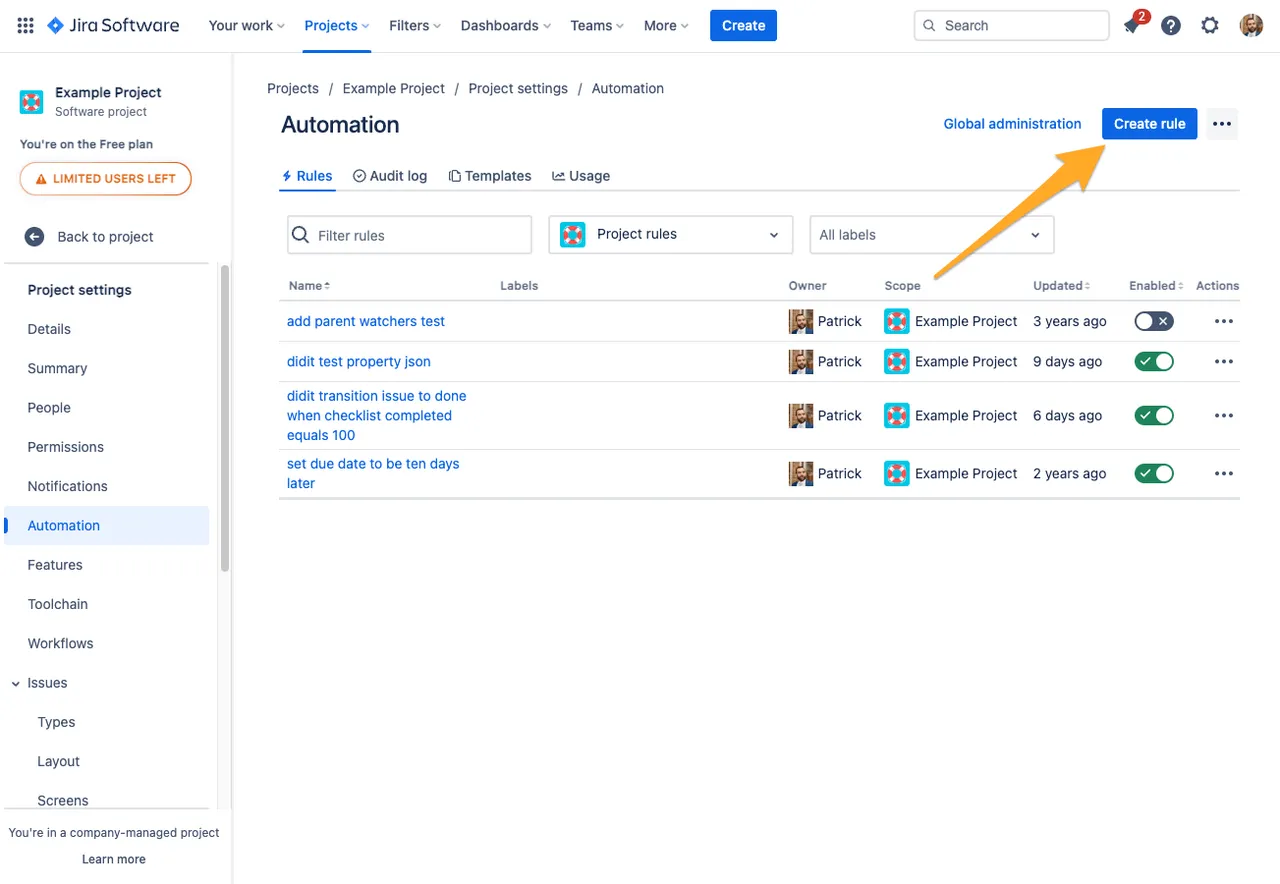
Click “Create rule.”
-
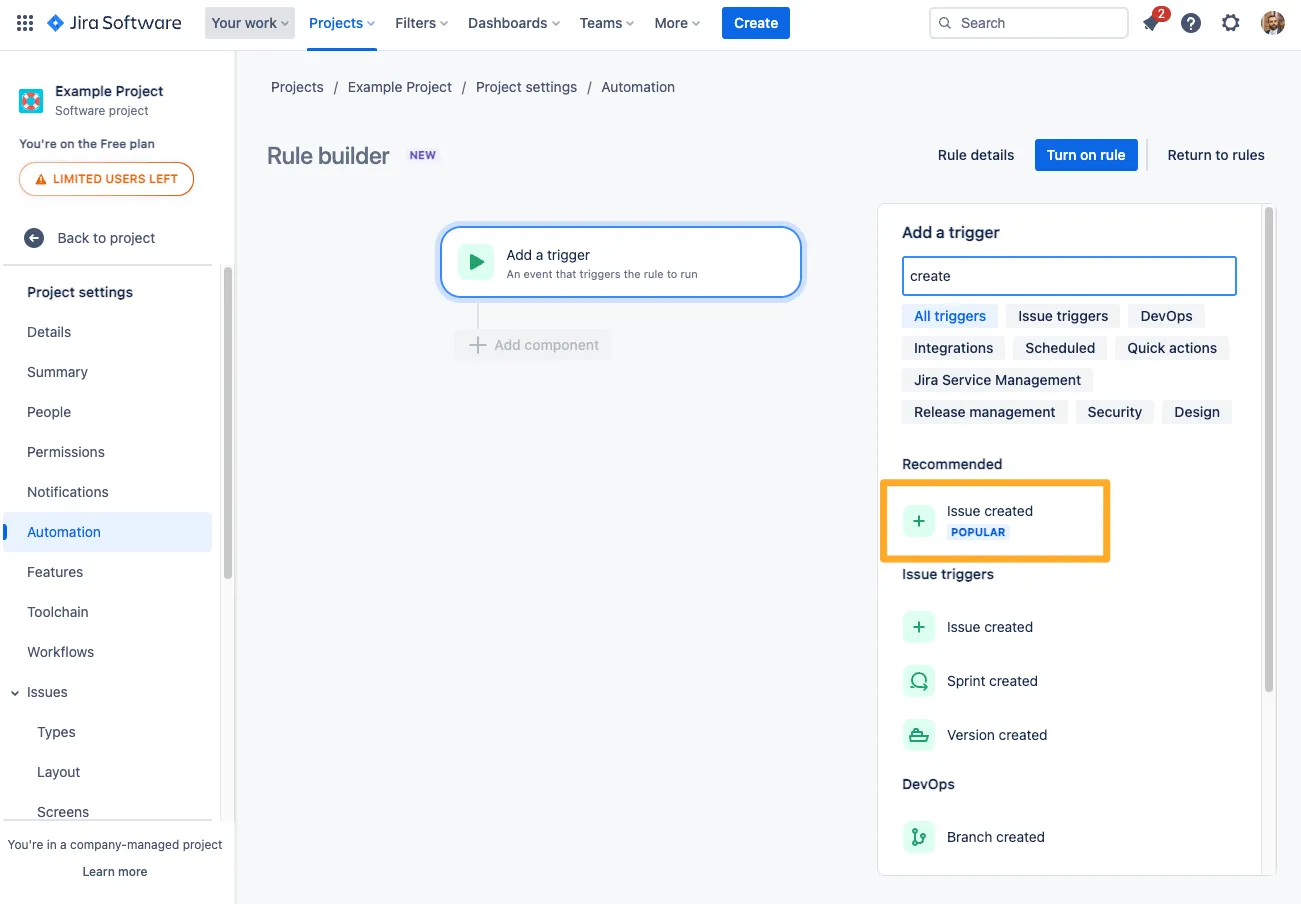
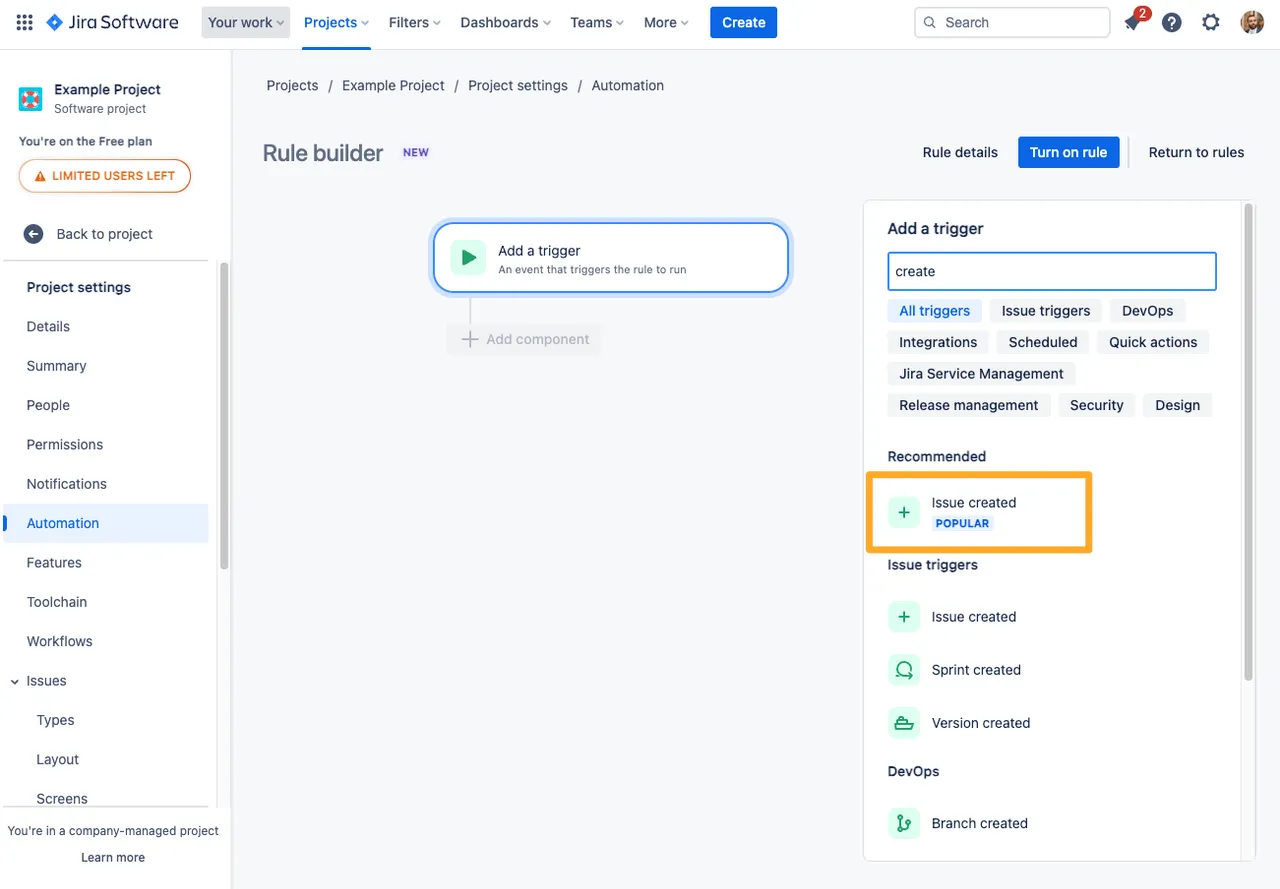
Choose the “Issue created” trigger.
-
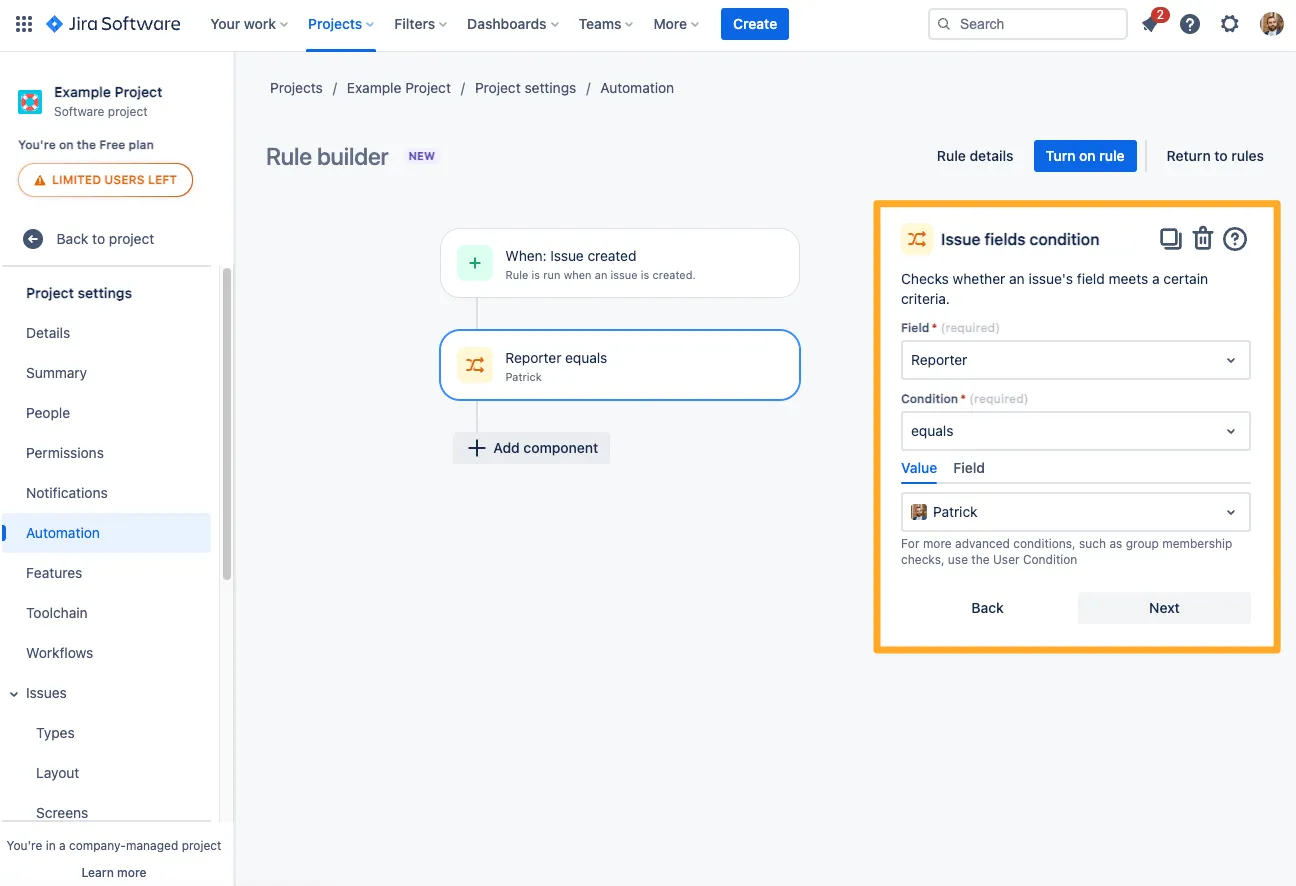
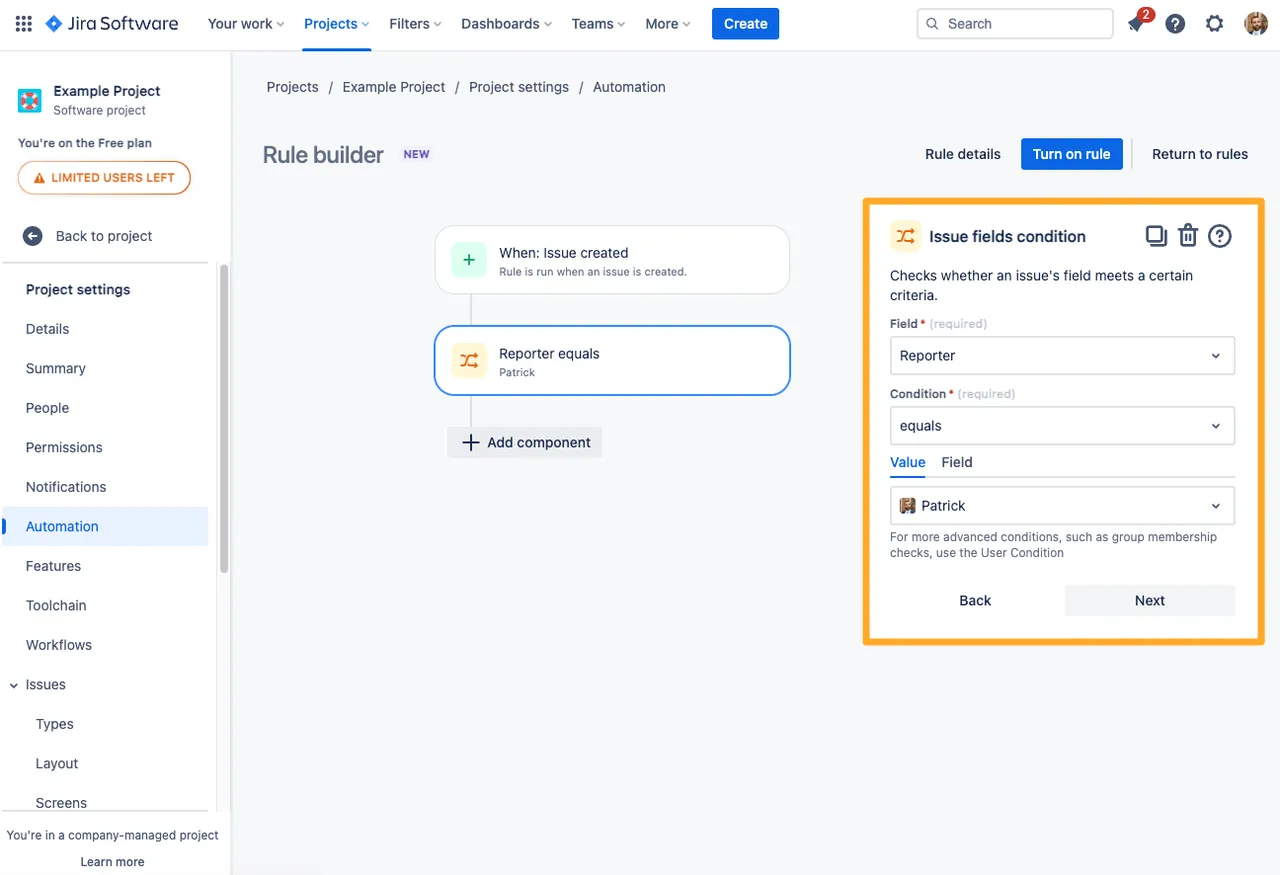
At this point, you could add conditions which help to qualify which issues get which checklists. This step is optional.
-
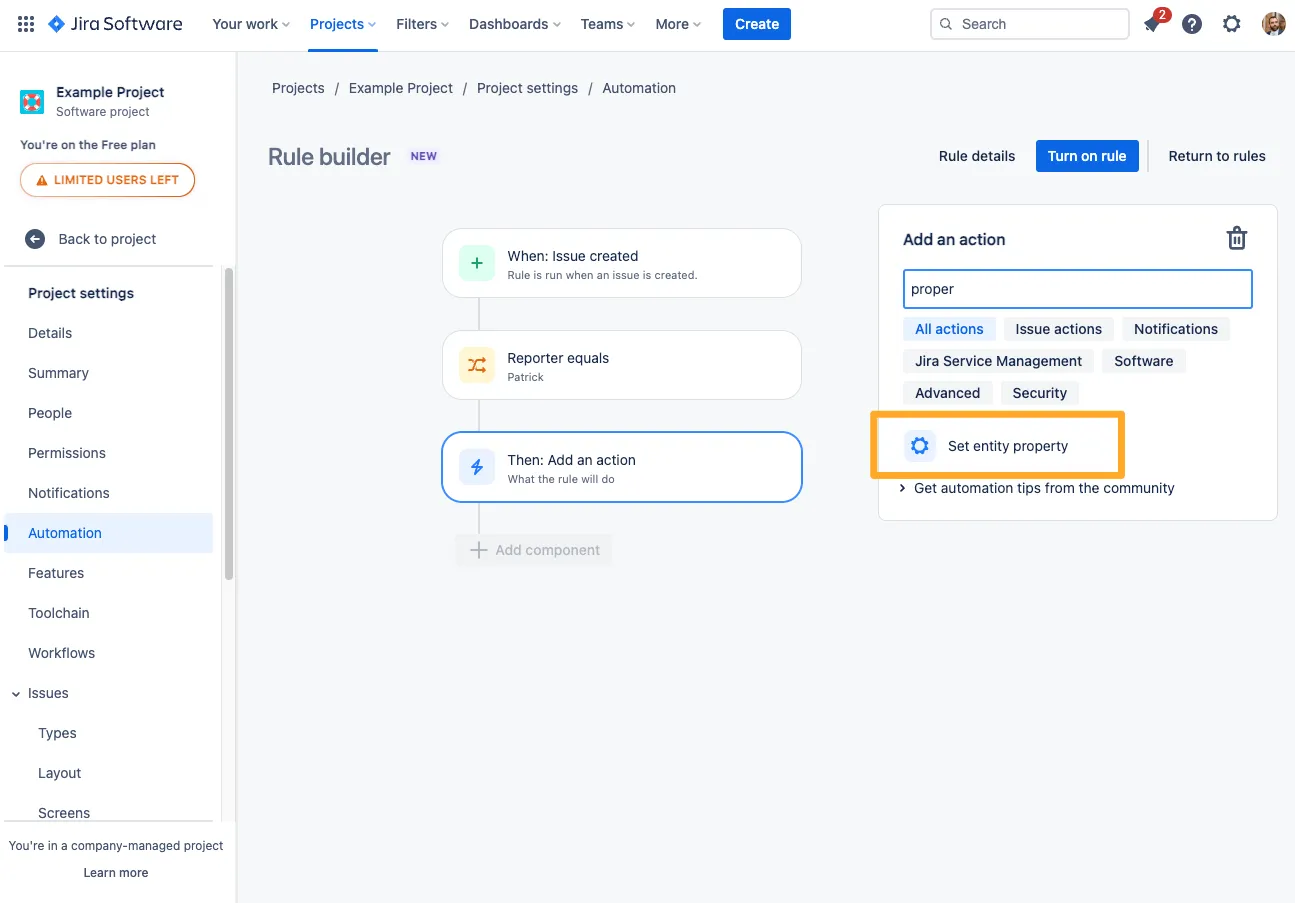
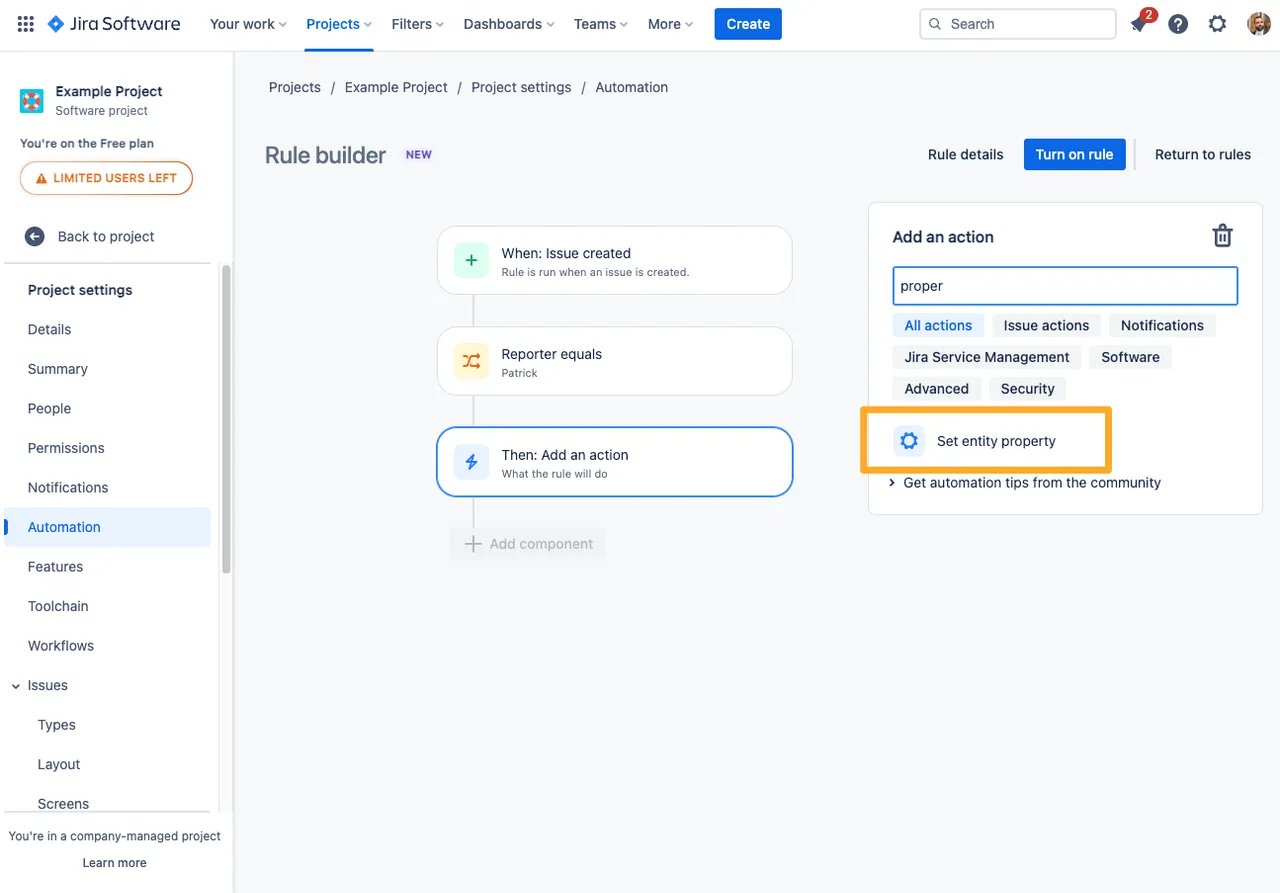
For the automation action, choose the “Set entity property” action.
-
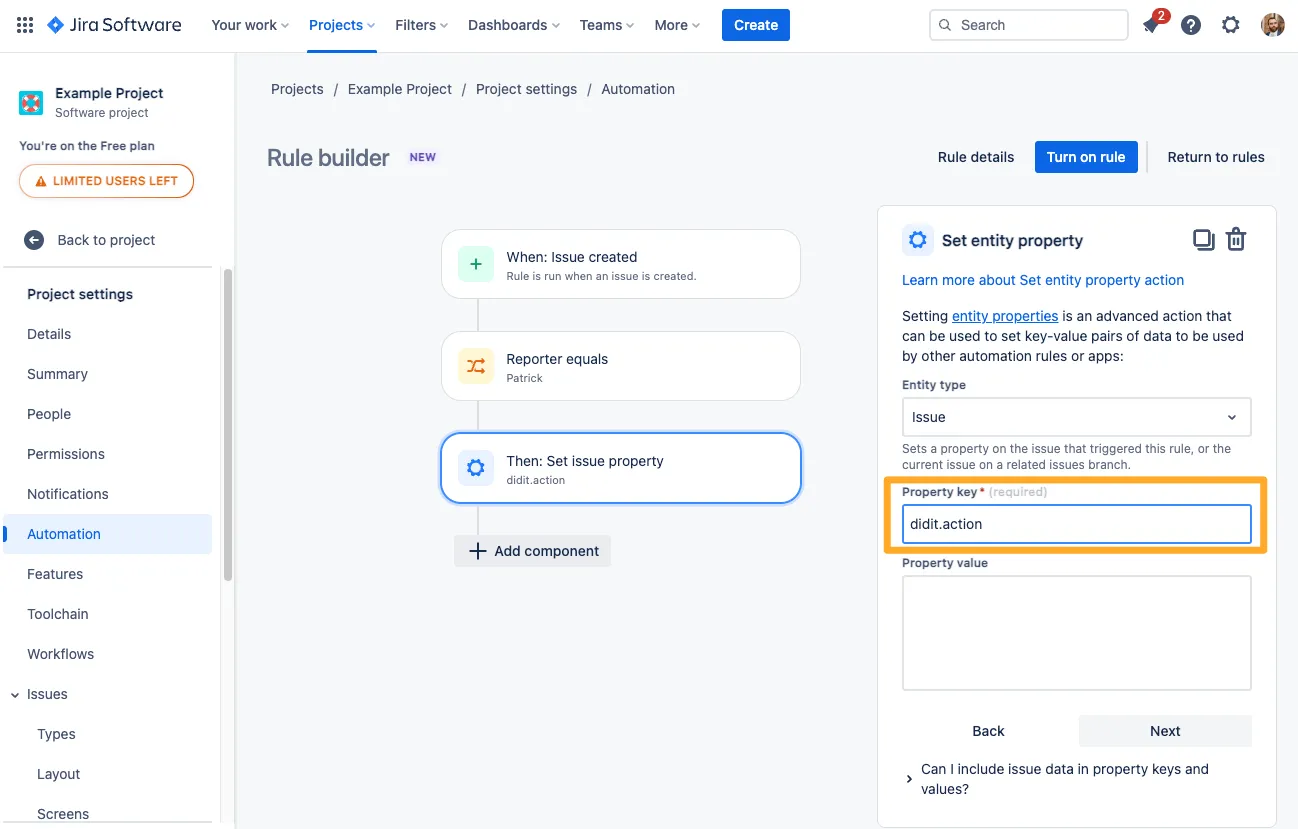
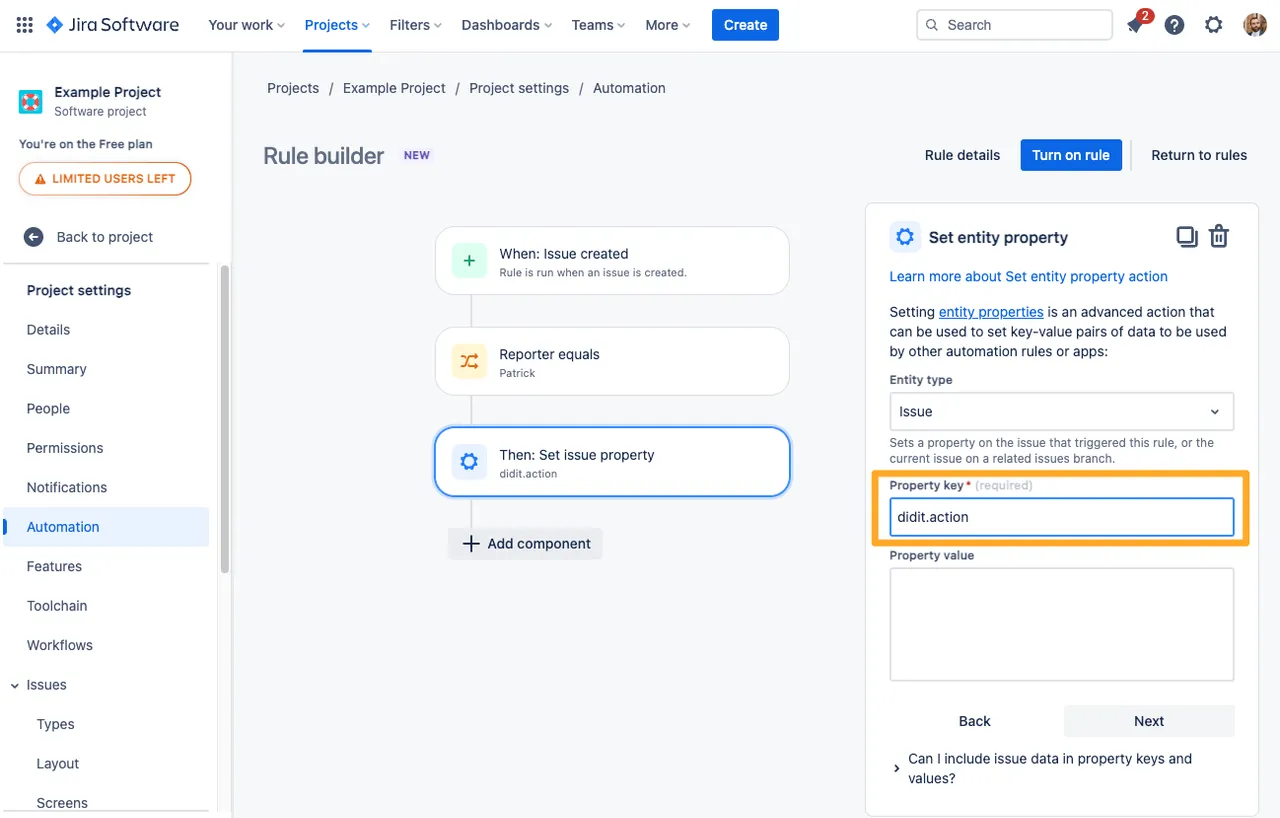
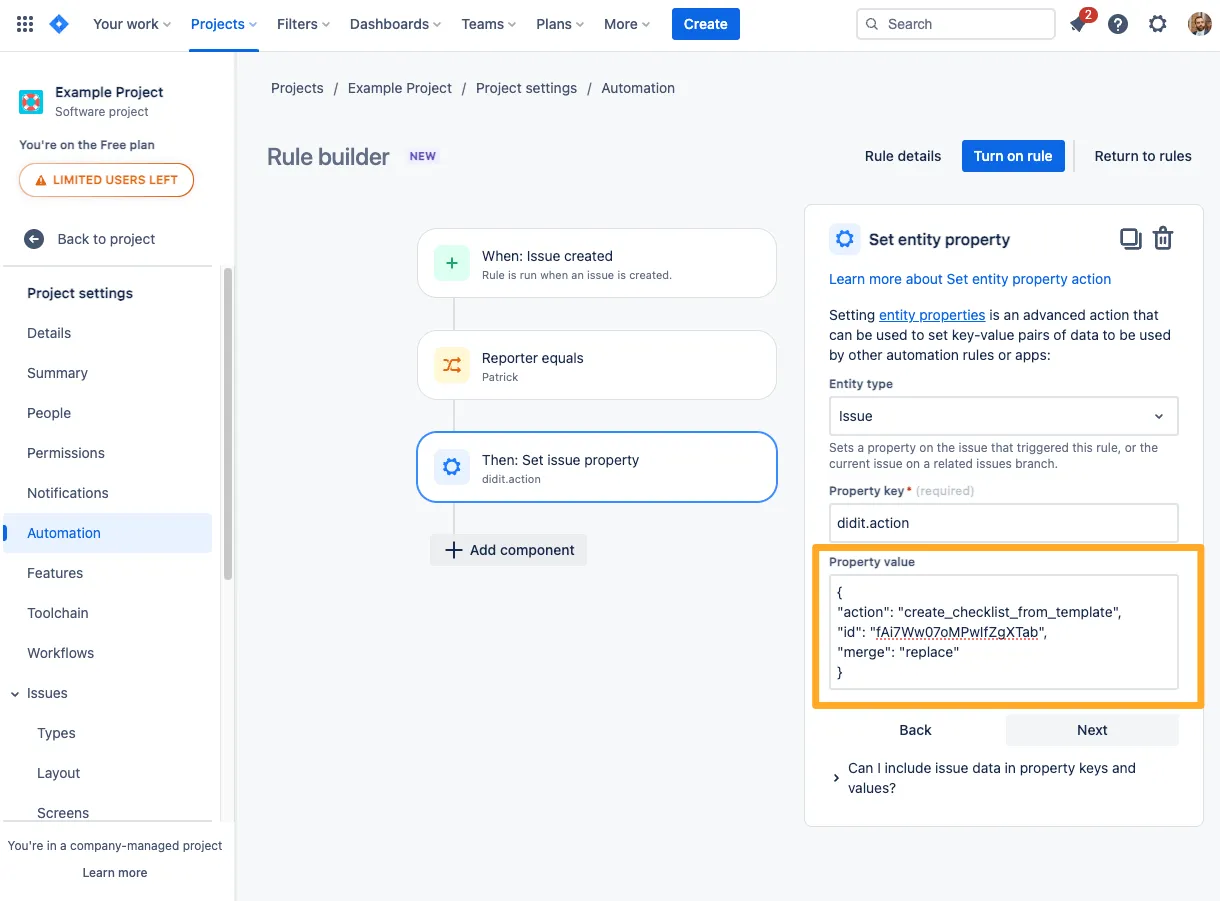
In the “Property key” field, add the text “didit.action.” Please note that the “didit.action” property is case sensitive.
-
For the “Property value,” you can either use Markdown to set an ad-hoc checklist or JSON to add a checklist from a template.
For examples on Markdown and JSON, please visit our Jira automation examples page.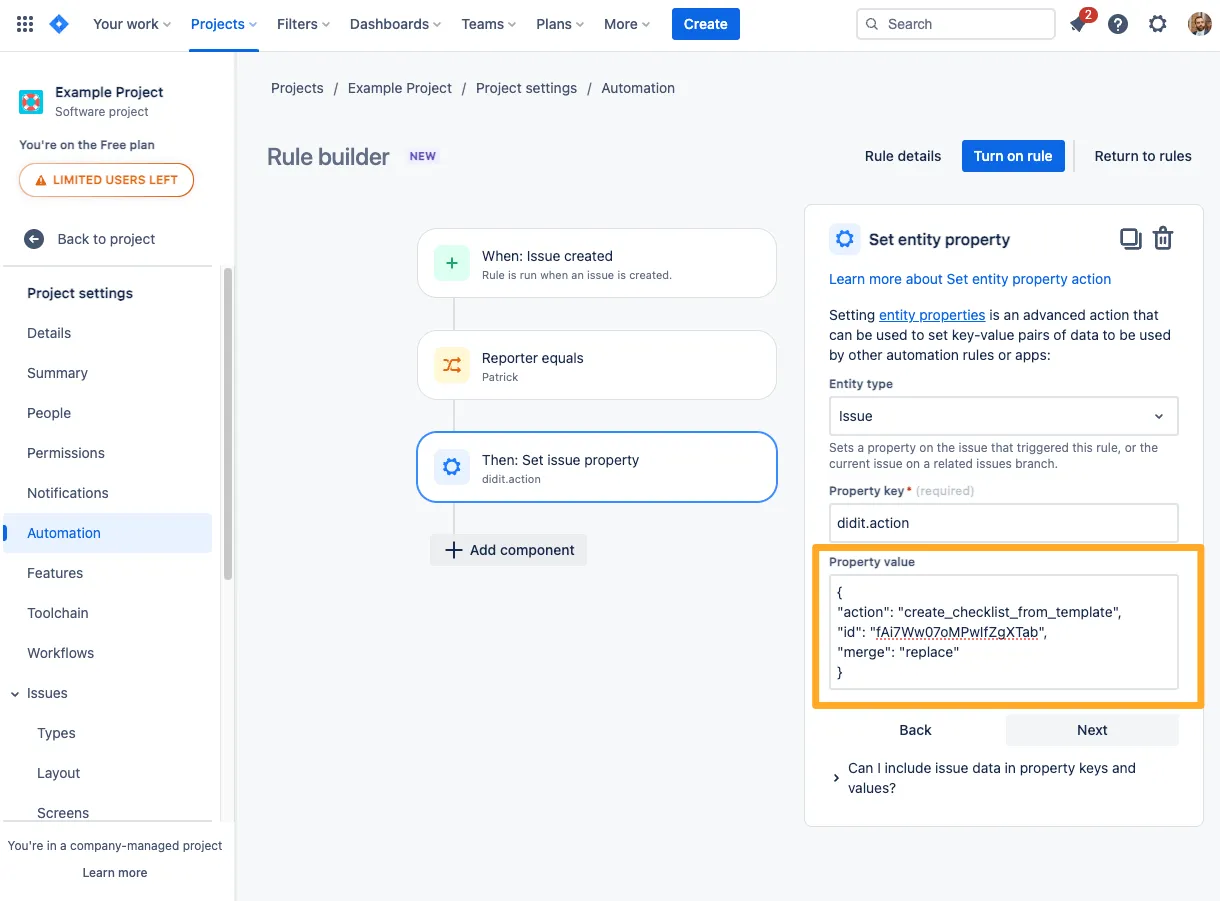
-
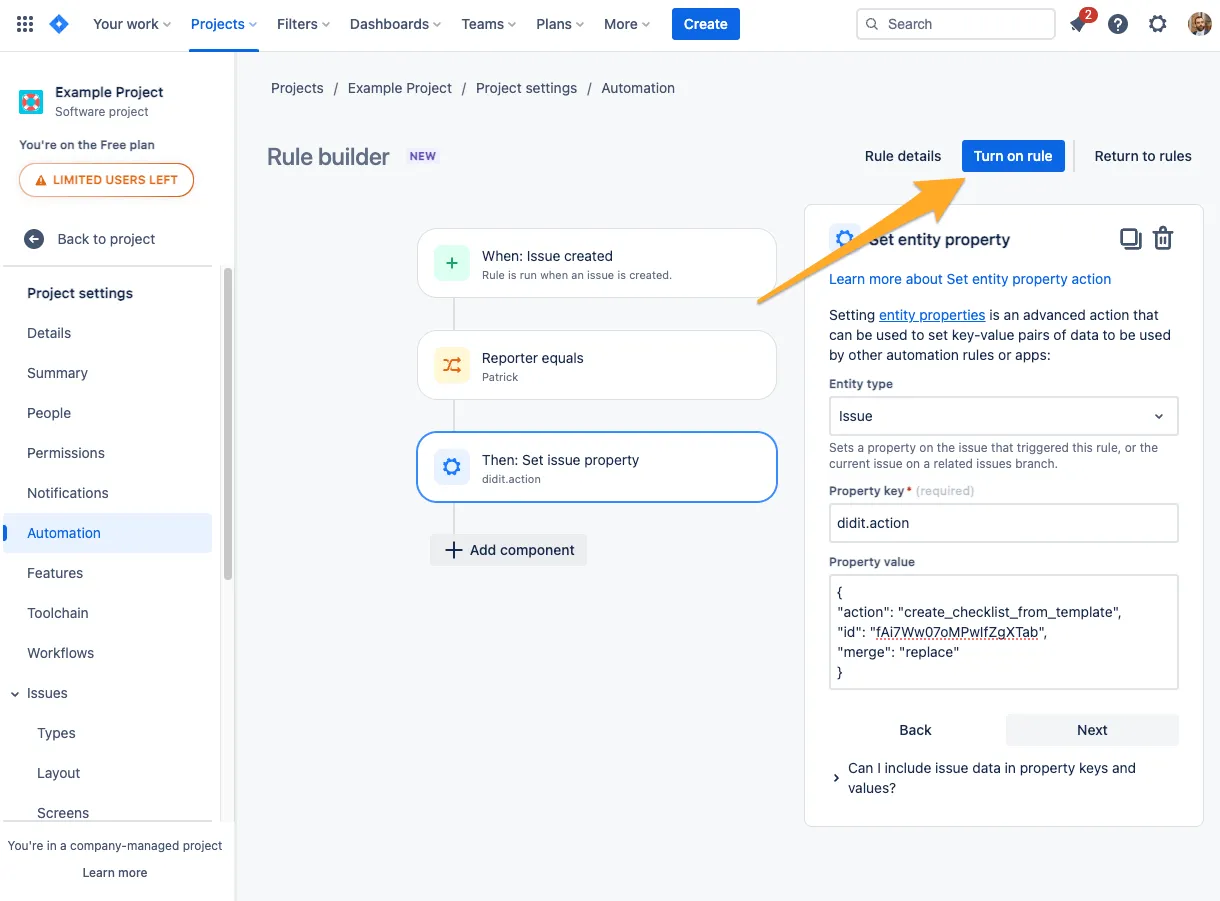
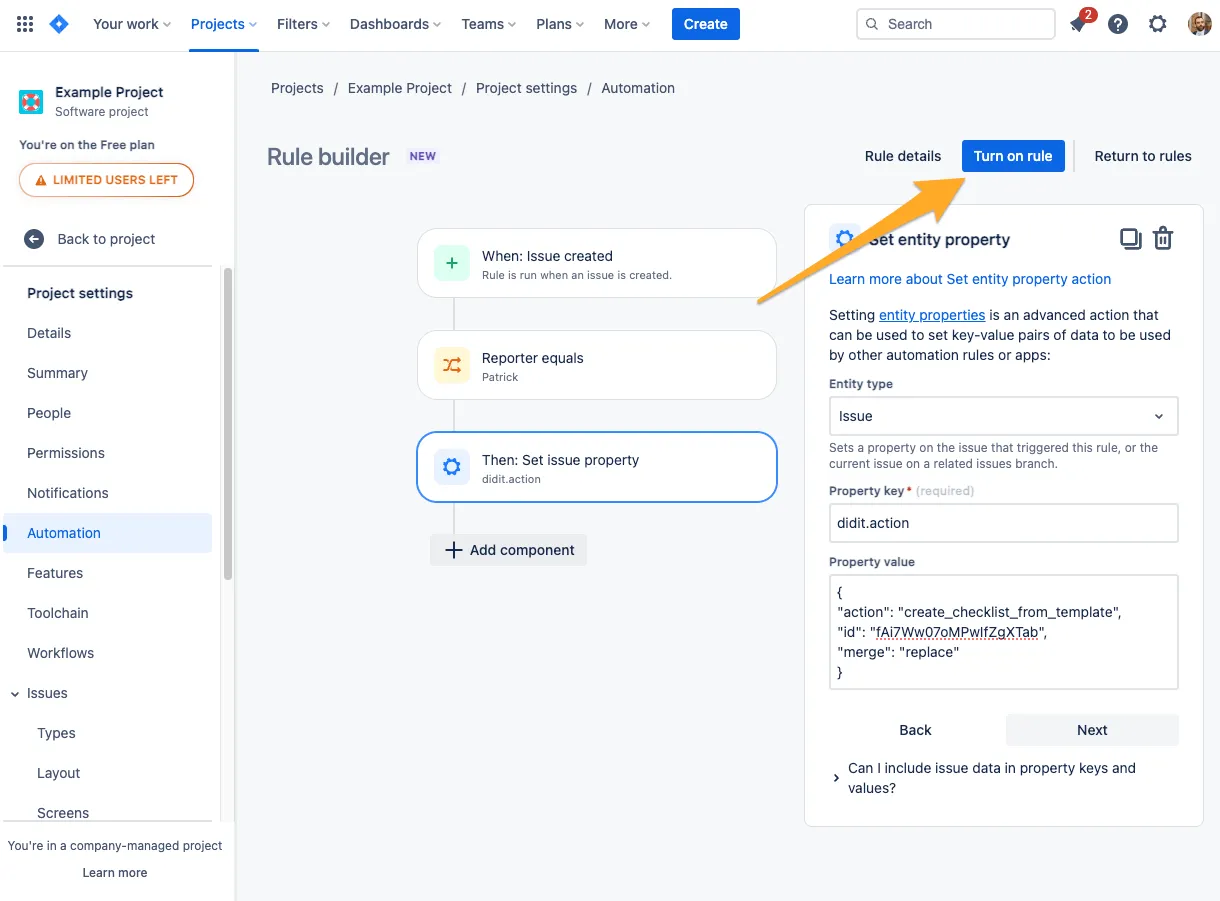
When you are finished, turn on the rule and you can see it in action.
Link to this page: https://seibert.biz/didithowtoautomatecreation