Override checklist permissions in Jira work item view
Override Checklist Permissions
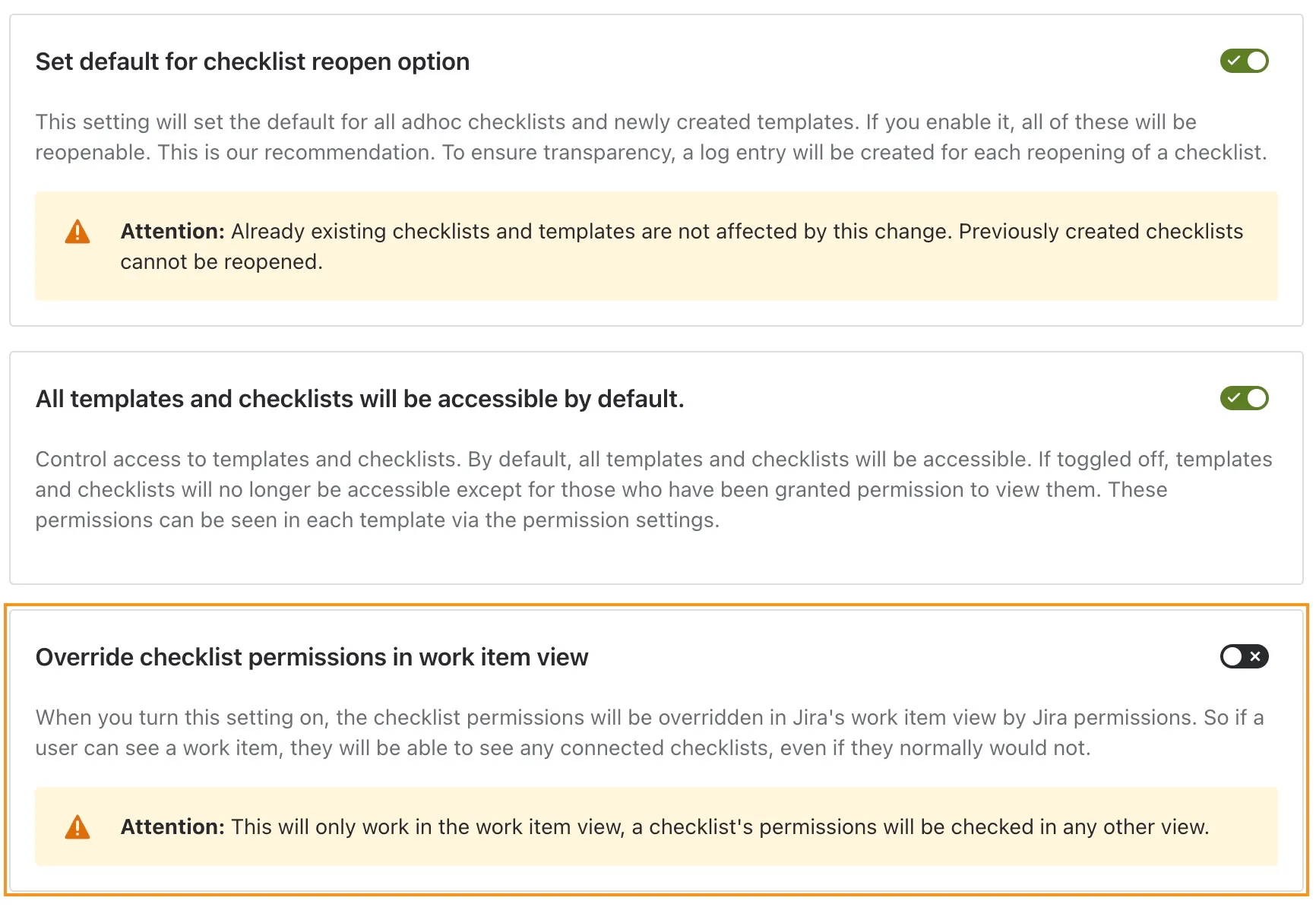
This setting is off by default. Turning it on will cause significant ramifications for your checklist permissions in the Jira work item view. It’s easy to reverse (by turning the setting back off), so don’t worry too much if you make a mistake. However, it is vital to understand what this toggle does before enabling it. Please read through this document carefully.
Location of the setting
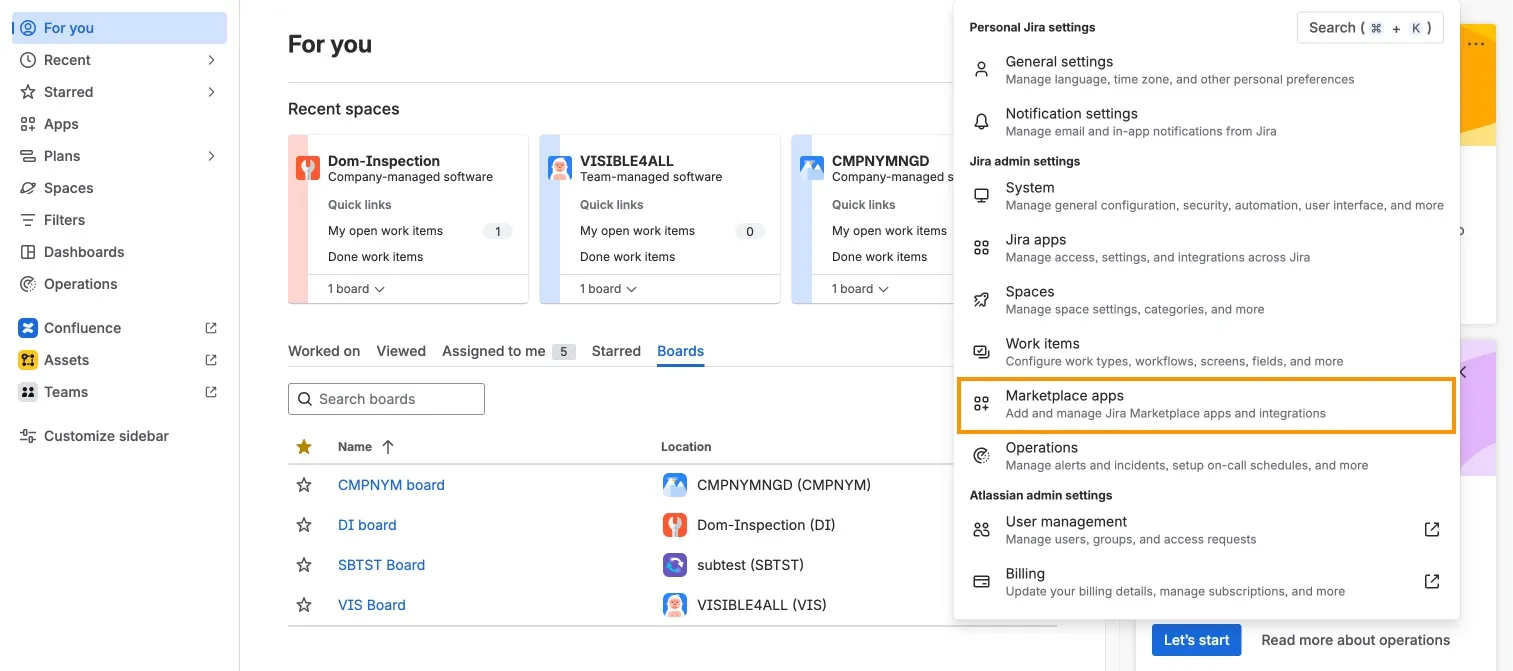
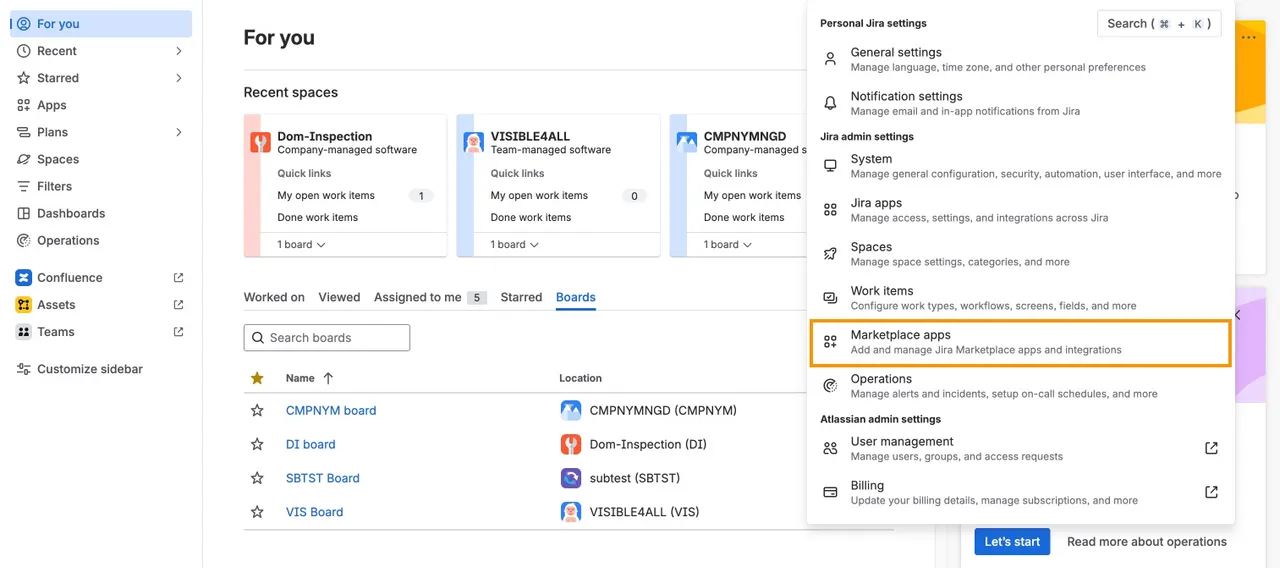
The setting is only accessible to users with Jira admin permissions or higher. You can access the setting in the “Didit Checklists” area of the global apps admin page in the “Settings” section.
Default setting
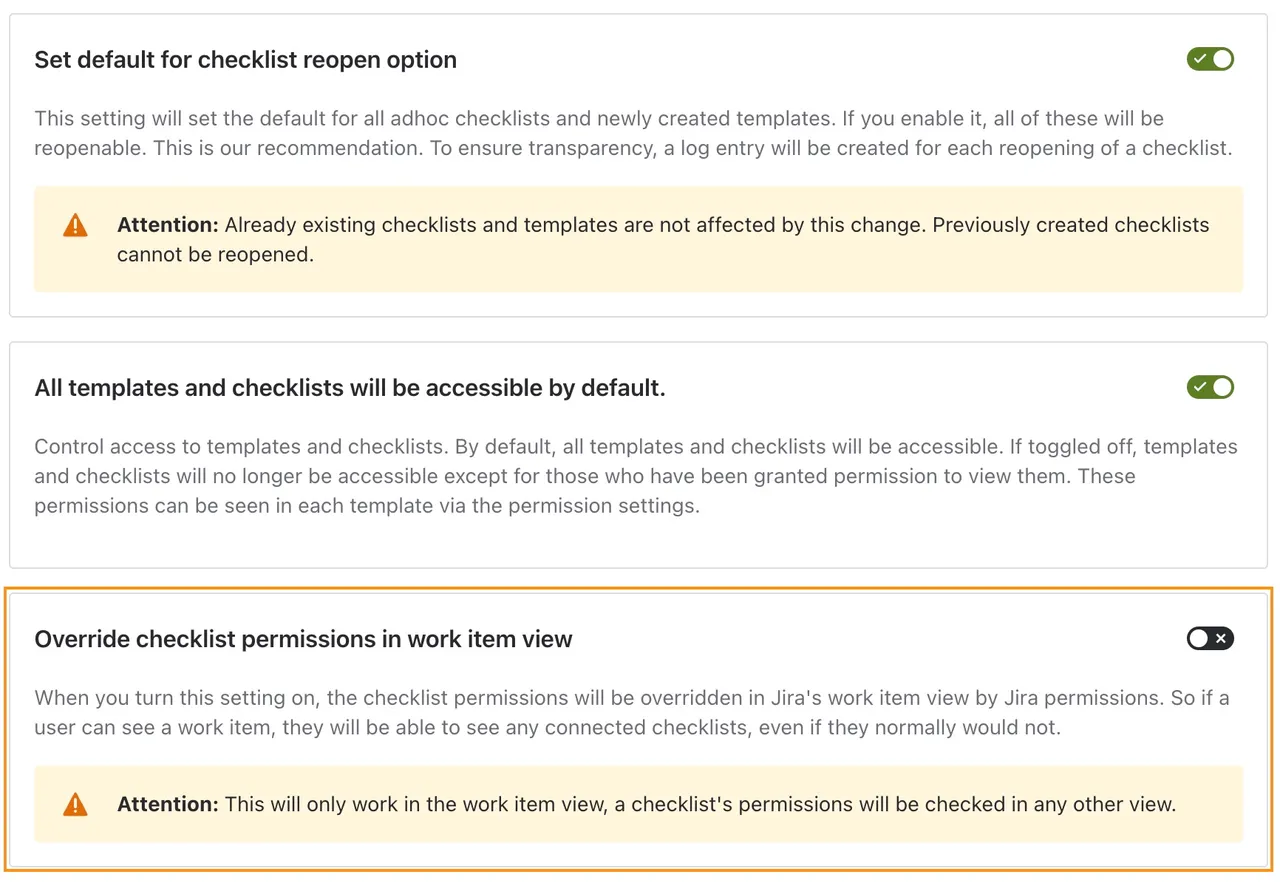
The setting is off by default, which means that our standard permissions checks apply to all checklists.
Setting activated
Activating this setting overrides the standard permission checks in the work item view and ties the visibility of checklist to the visibility of the work item. Activating this setting lets the user see any checklists connected to a work item he is allowed to see.
Impact outside the work item view
The setting has no effect in other areas of the app, where the configured permissions continue to apply.