How to keep the checklist panel visible on Jira work items
Since Didit moved to Atlassian’s Forge platform, the checklist panel only appears on a Jira work item after someone opens it with the Apps button. To show it on every work item in a project, turn on Show for all work items:
-
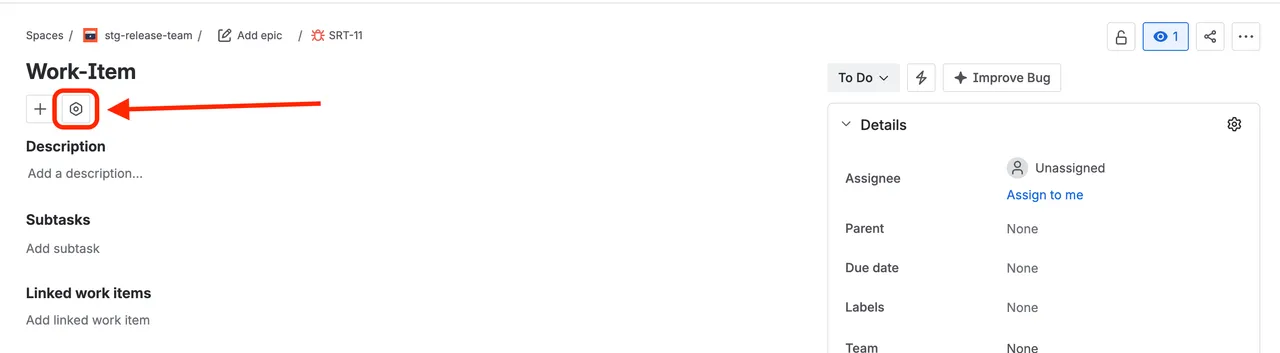
Open any work item in the project and click the “Apps” button.
It’s the hexagon icon next to ”+”, below the work item title.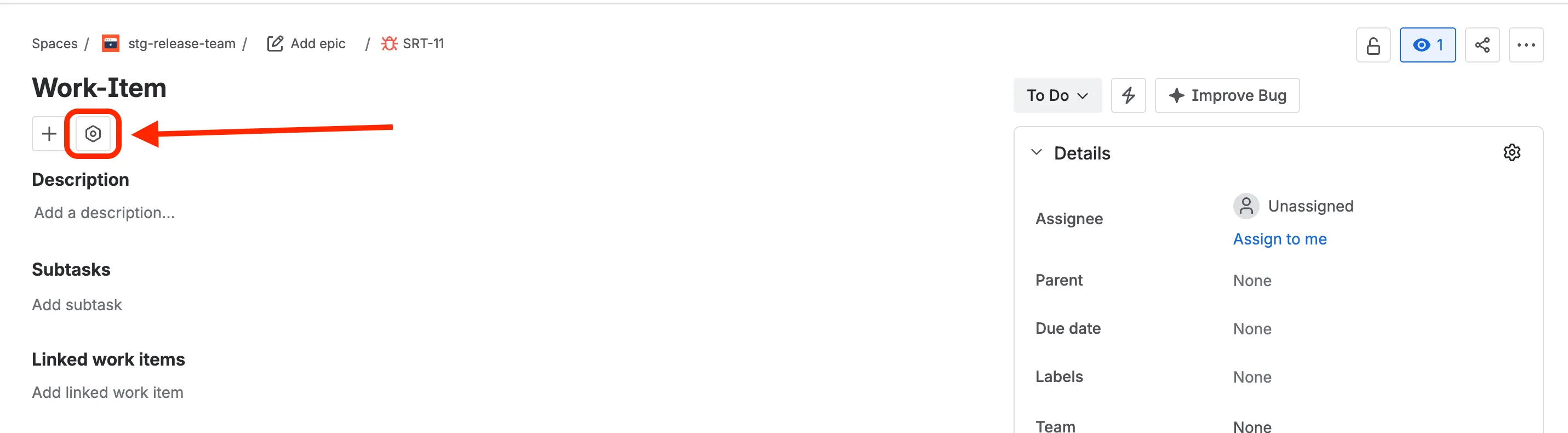
-
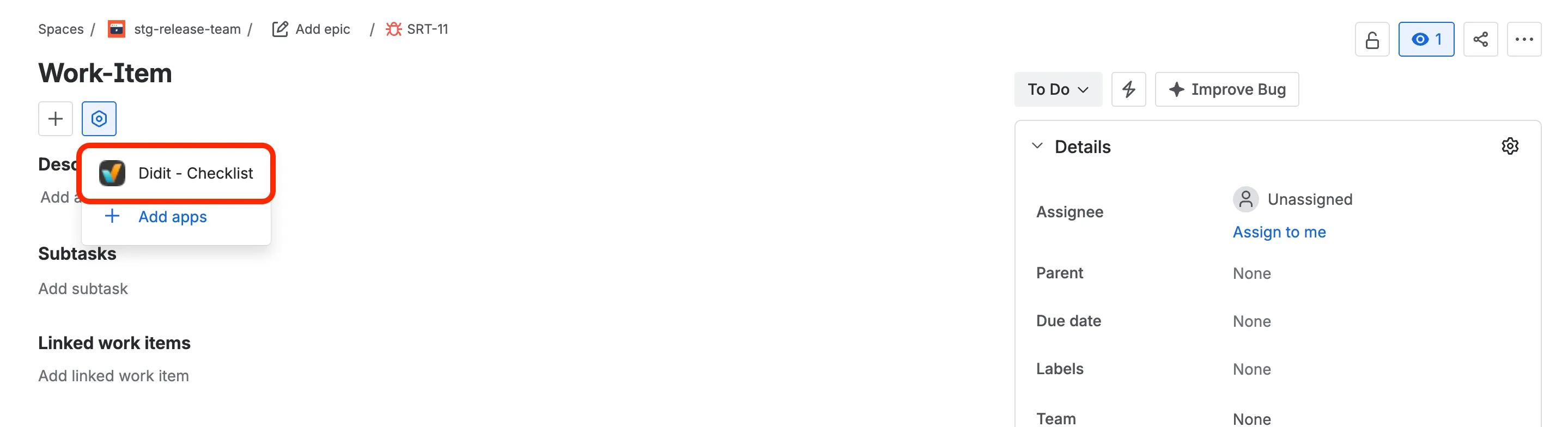
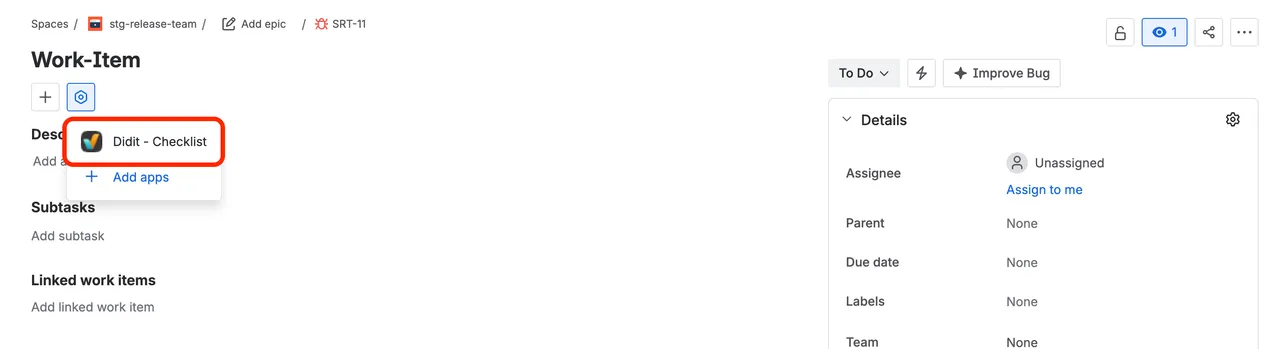
Select “Didit - Checklist.”
-
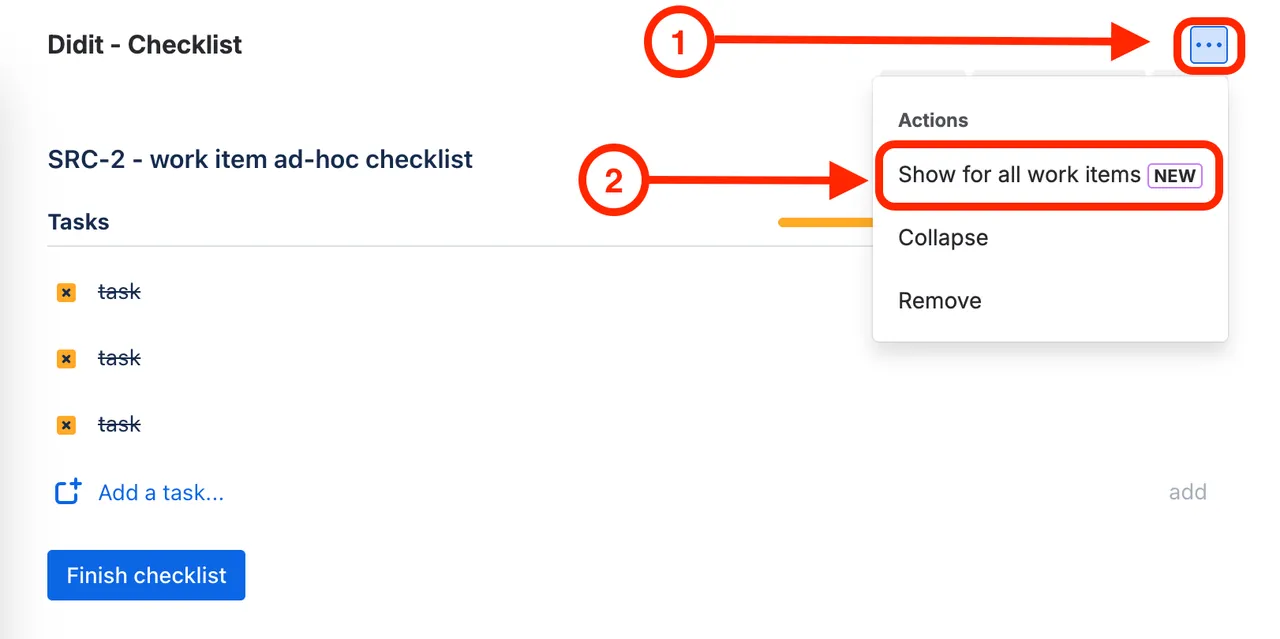
Open the ”⋯” menu in the panel’s top-right corner and click “Show for all work items.”
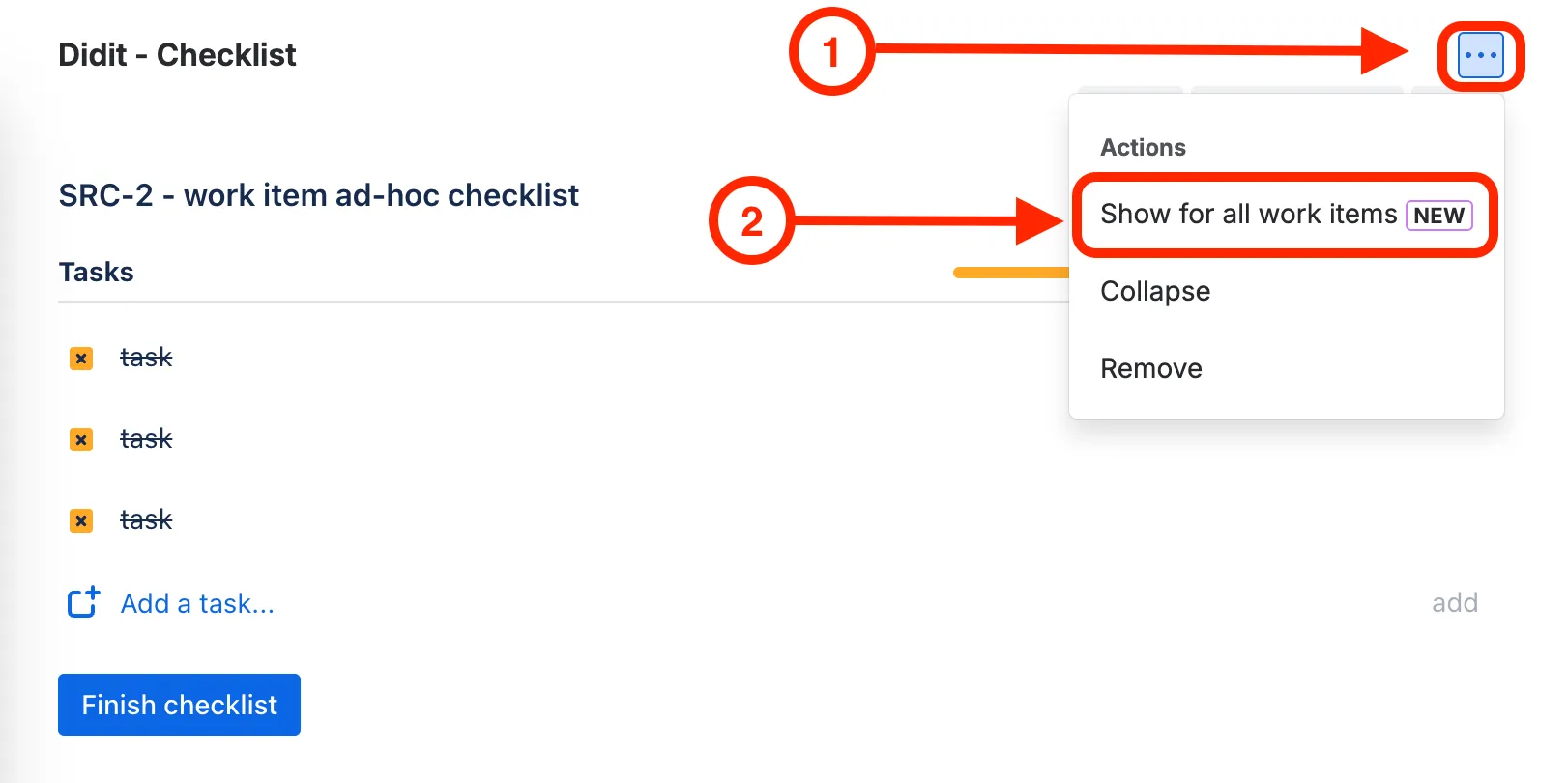
The panel now appears on every work item in the project.
Good to know
- Only users with the Administer projects permission see this option.
- The setting applies per project. Repeat it in each project that uses checklists.
- To undo it, choose Hide for all work items in the same menu.
- If someone still sees no checklist, they may need to click Allow access on Atlassian’s one-time consent banner.