Show your checklist tasks on a Jira dashboard
See the checklist tasks that are yours next to your other Jira gadgets. A task is yours when you’re the first person mentioned in its title; see Assign a task.
Add the gadget
-
Open a Jira dashboard and choose “Edit,” then “Add gadget.”
-
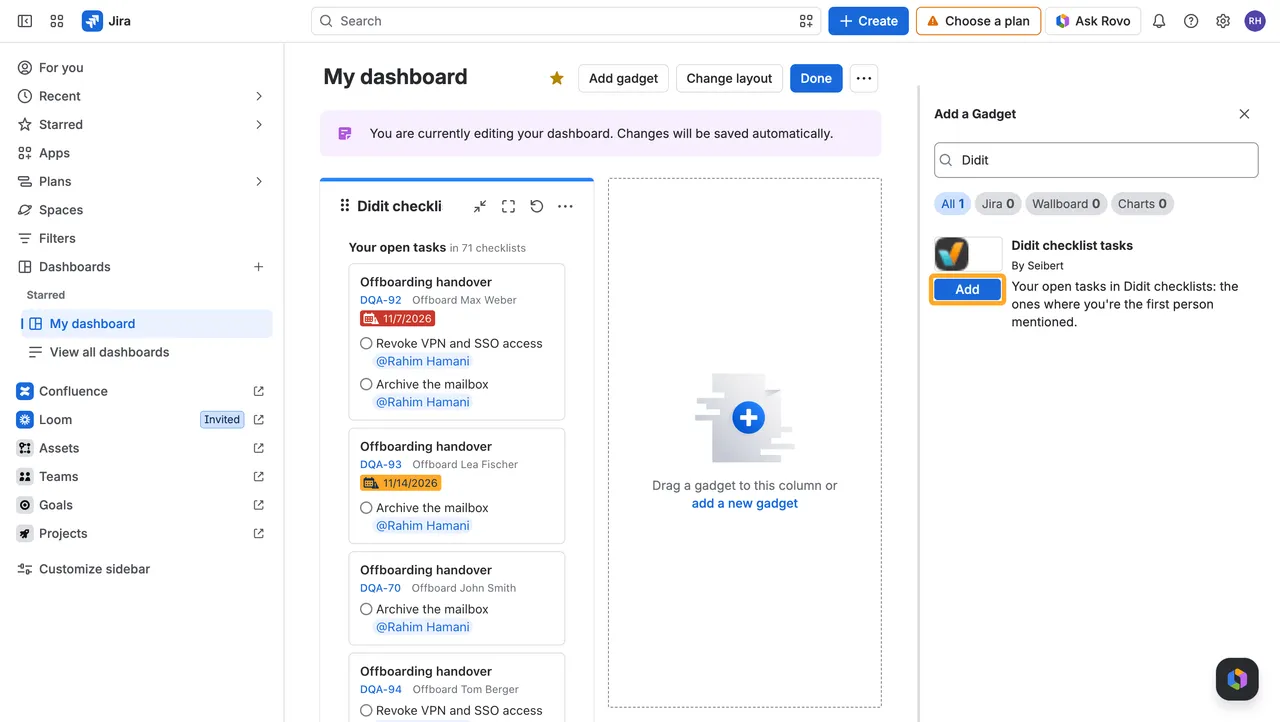
Search for “Didit” and choose “Add” next to “Didit checklist tasks.”
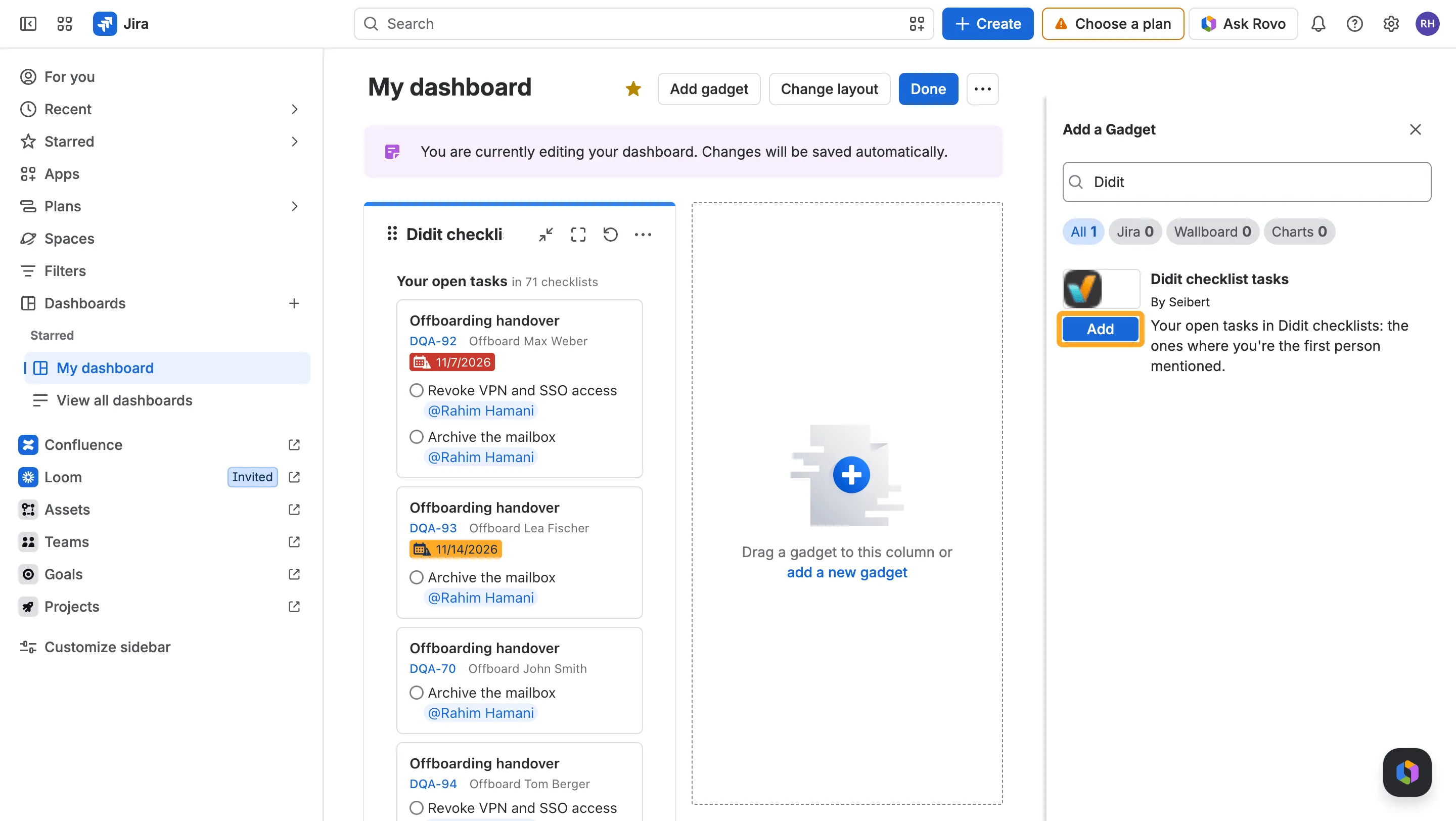
-
Choose “Done.”
What the gadget shows
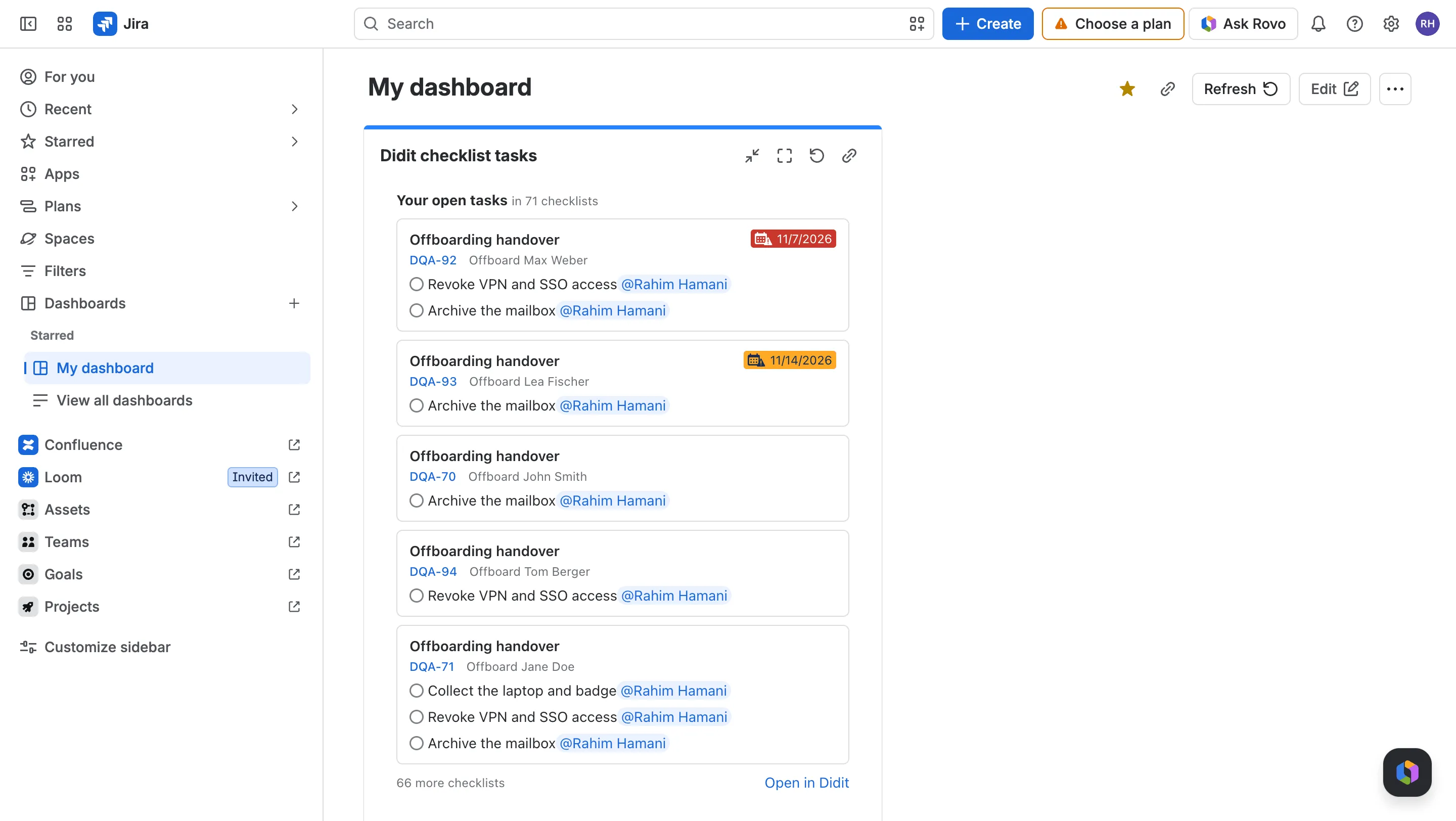
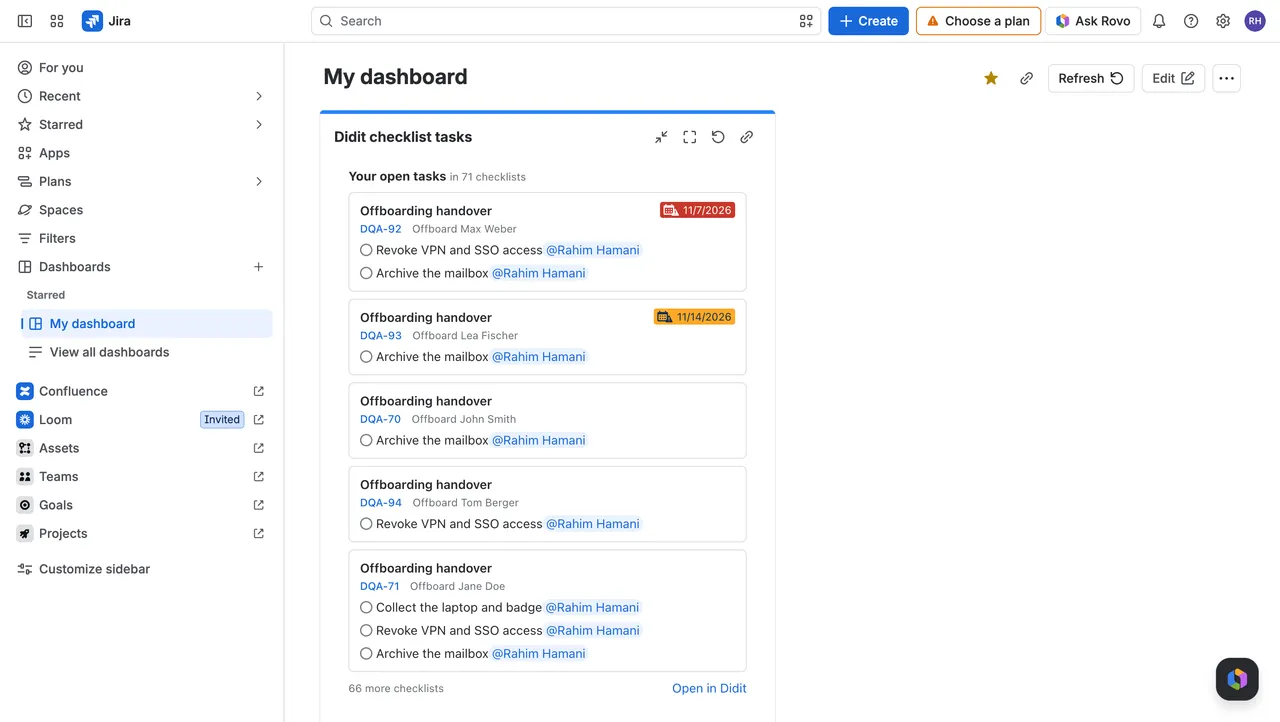
- One card for each checklist where you have an open task, newest first, with its work item and due date. An overdue date is red.
- Up to 3 of your open tasks on each card, and up to 5 checklists. “Open in Didit” opens Manage my tasks with all of them.
- Click a checklist’s name to open it in the Didit hub, or its work item key to open the work item.
- Everyone sees their own tasks. On a dashboard you share with your team, each person sees the tasks that are theirs, in the checklists they can open.
Good to know
Can I check off tasks in the gadget?
No. The gadget only lists your tasks; open the checklist to check them off.
Why does a task I just checked off still show?
Didit’s search needs a few seconds to catch up. Refresh the gadget.
Can I see someone else's tasks?
No. The gadget always shows the tasks of the person looking at the dashboard.