Add a checklist to many work items
Give many work items the same checklist in one go, for example a new default template for the work items created before you set it. Didit adds the template’s checklist to every work item of a Jira search.
From Jira search
-
Search for the work items in Jira, then open “Apps” and choose “Add Didit checklist.”
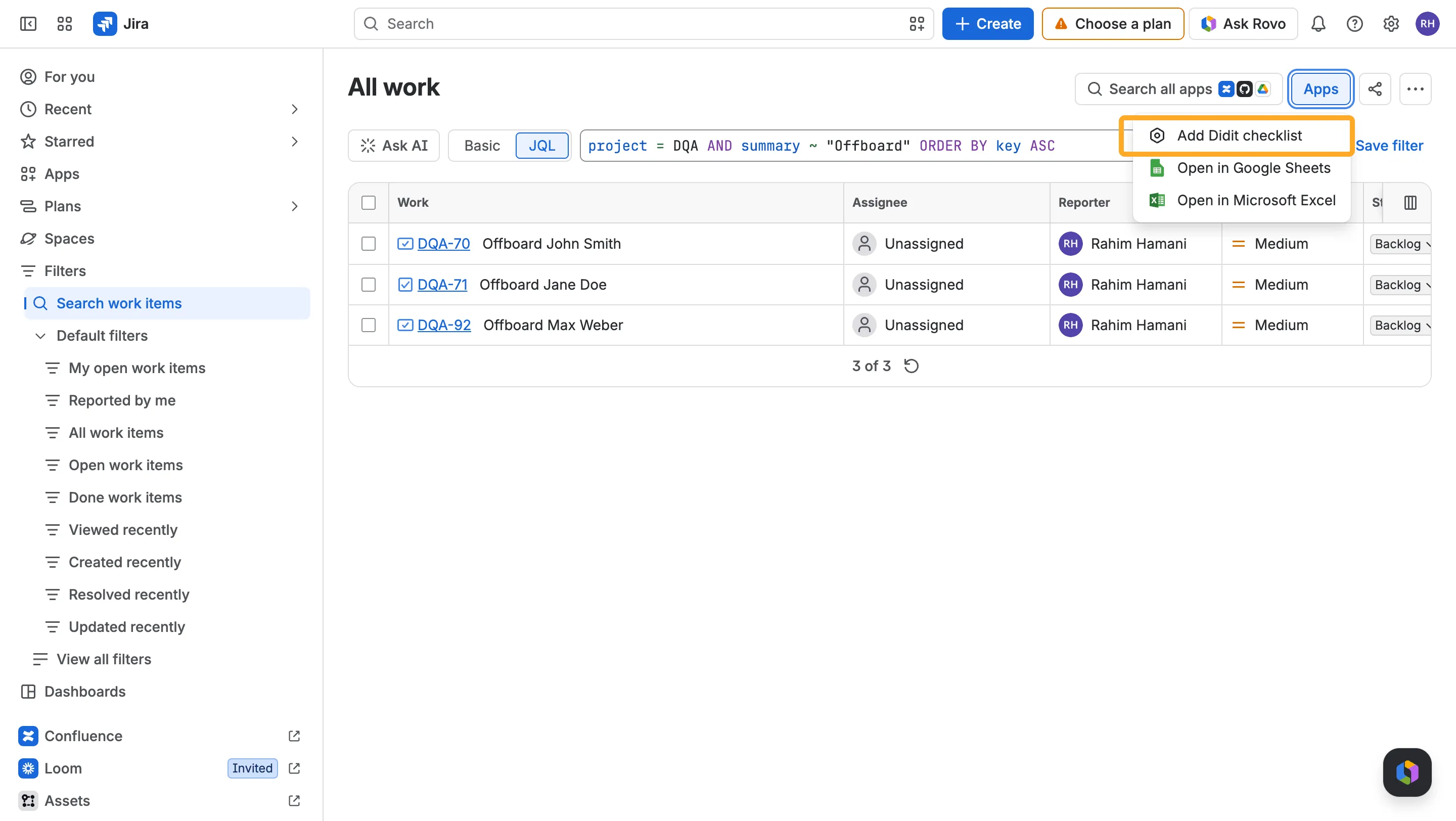
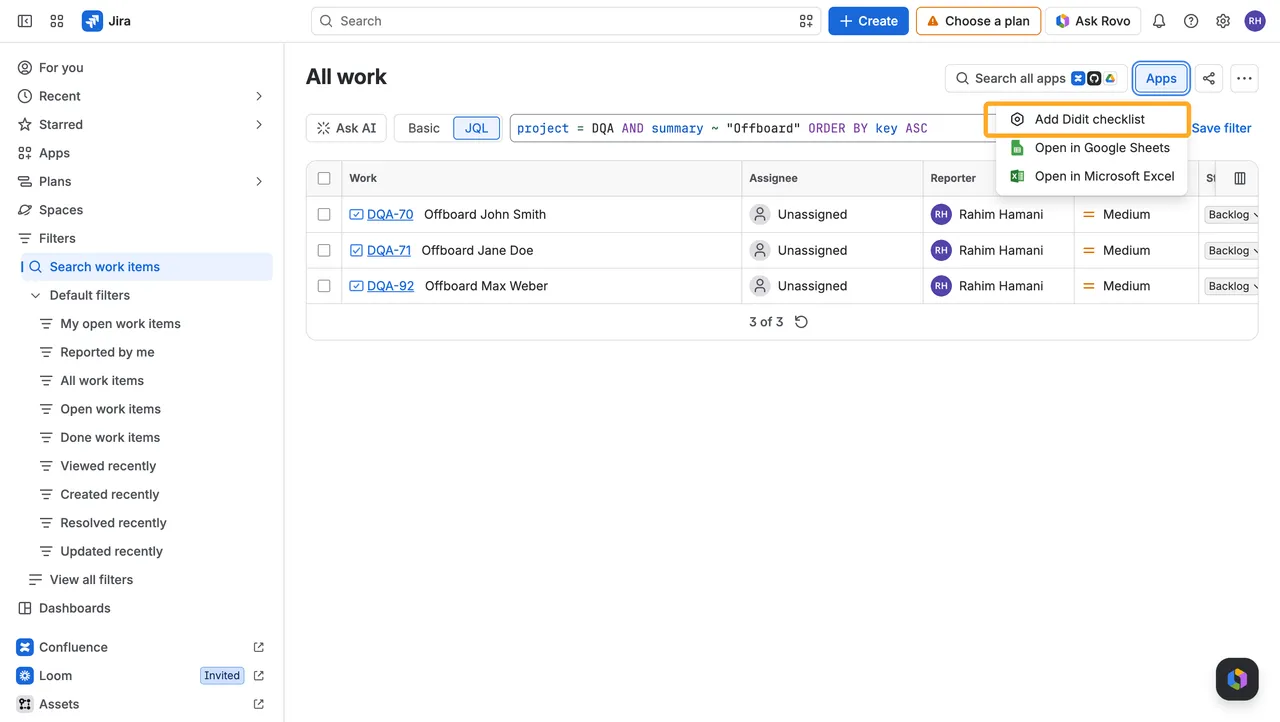
-
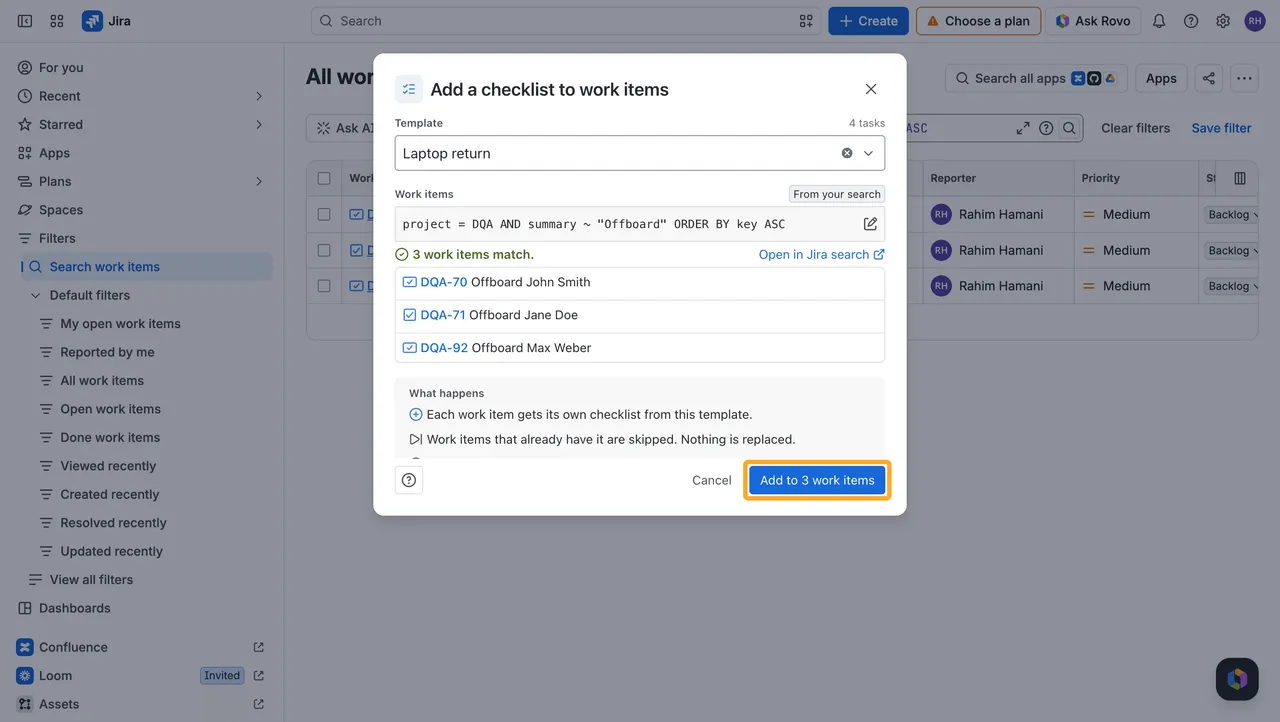
Pick a template and choose “Add to … work items.”
Didit fills in your search, shows how many work items match and lists the first ones.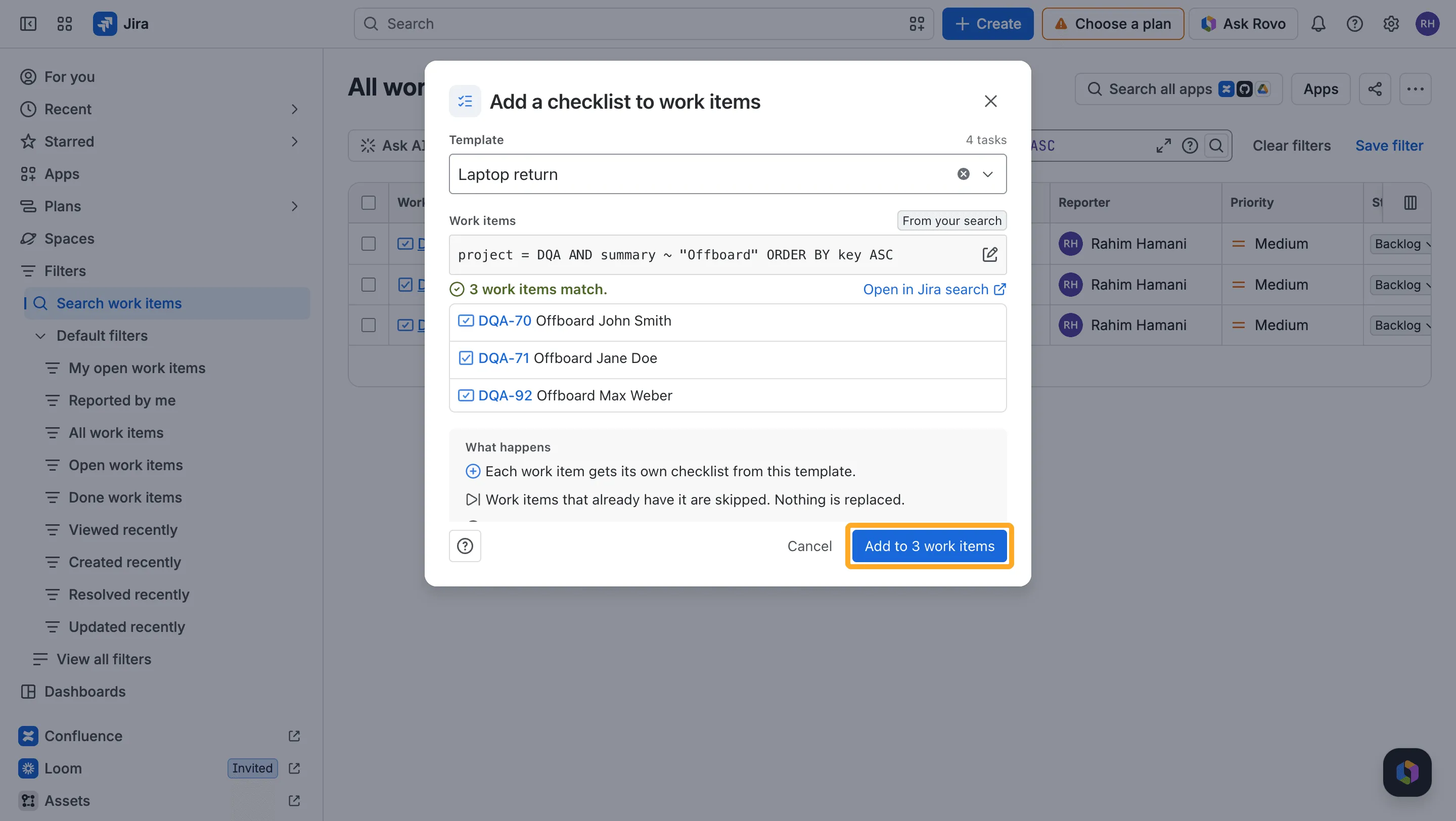
From the Didit hub
-
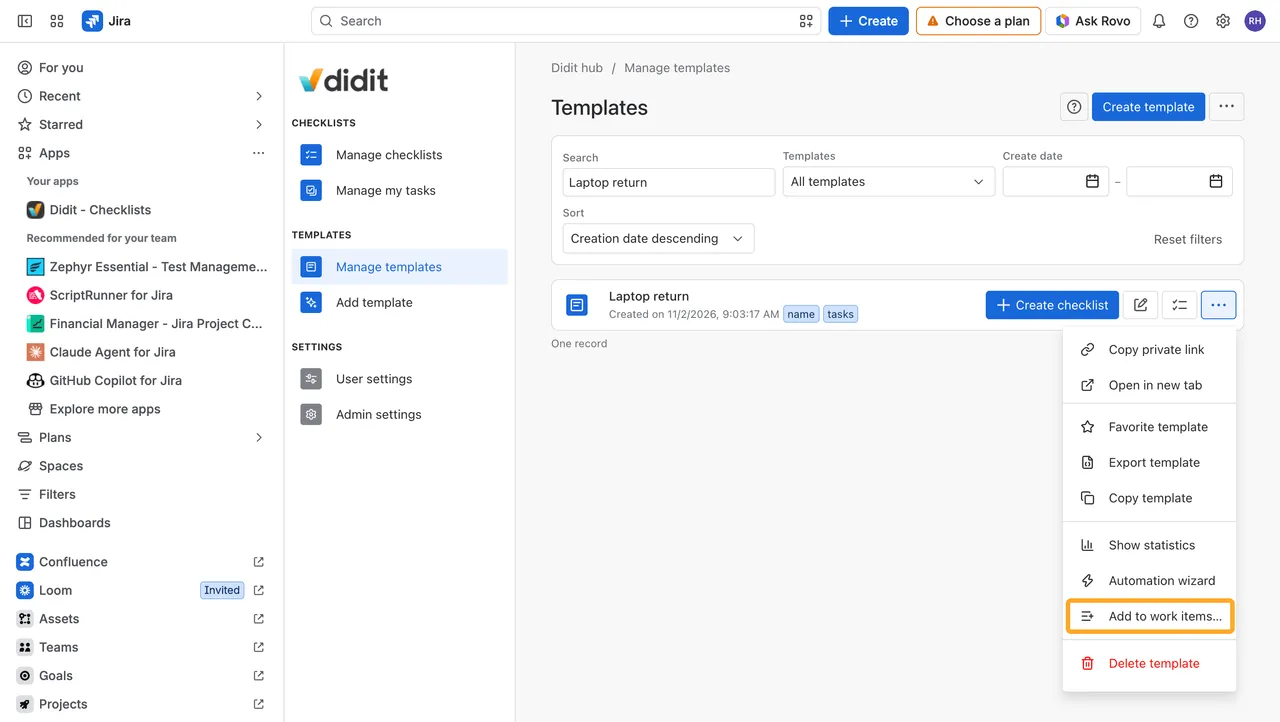
In “Manage templates,” open the template’s ”…” menu and choose “Add to work items…”
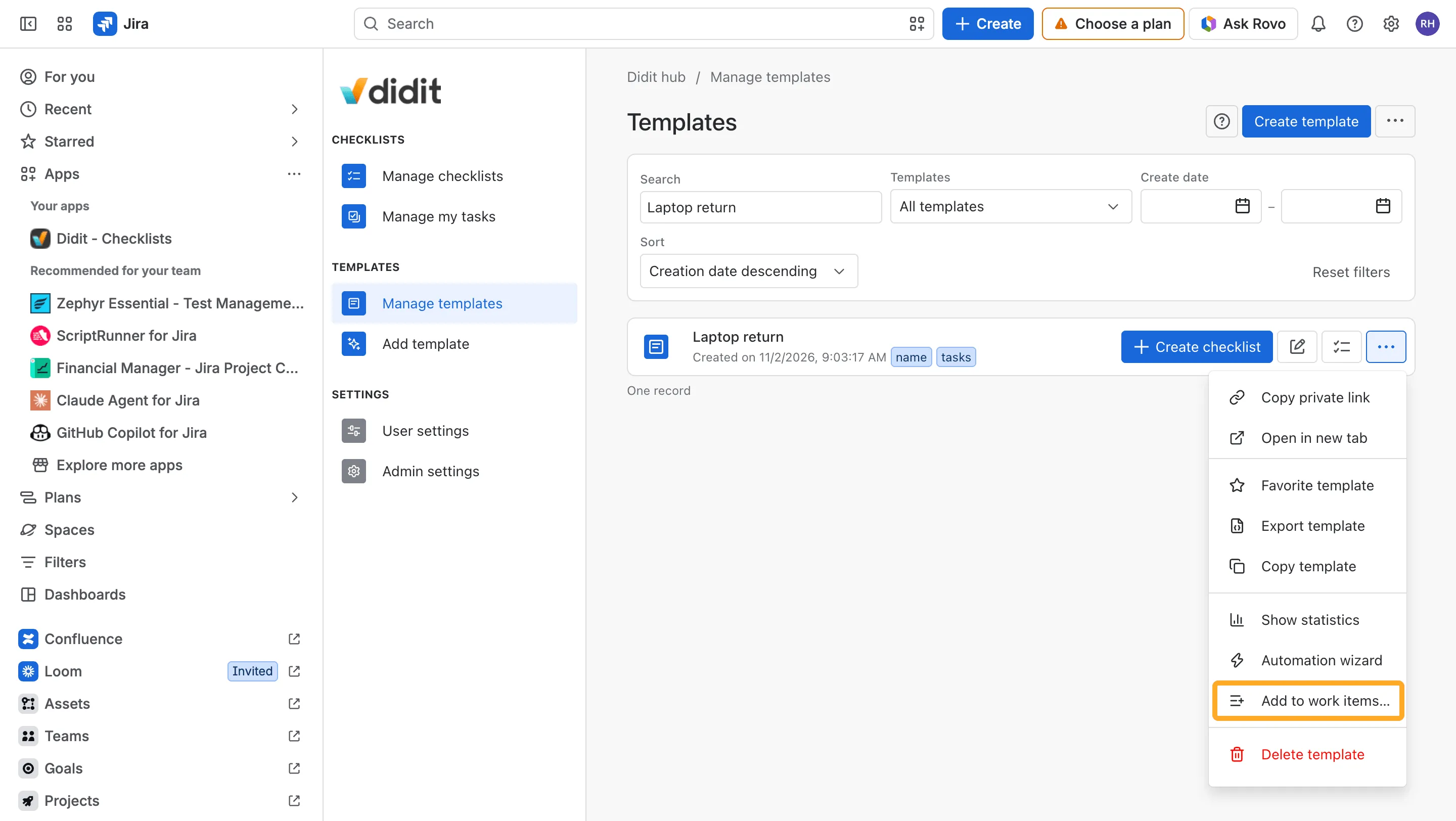
-
Enter a JQL search, the same as in Jira search, and choose “Add to … work items.”
Which work items get the checklist
- Every work item of the search gets a new checklist from the template, next to the checklists it already has. Nothing is replaced.
- Work items that already have a checklist from this template are skipped, so you can run it again to fill in only the gaps.
- Work items you can’t edit, and work items in projects where Didit is switched off, are left out.
- Up to 5,000 work items at once. For only some work items, narrow the search, for example
key in (DQA-70, DQA-71).
Follow the progress
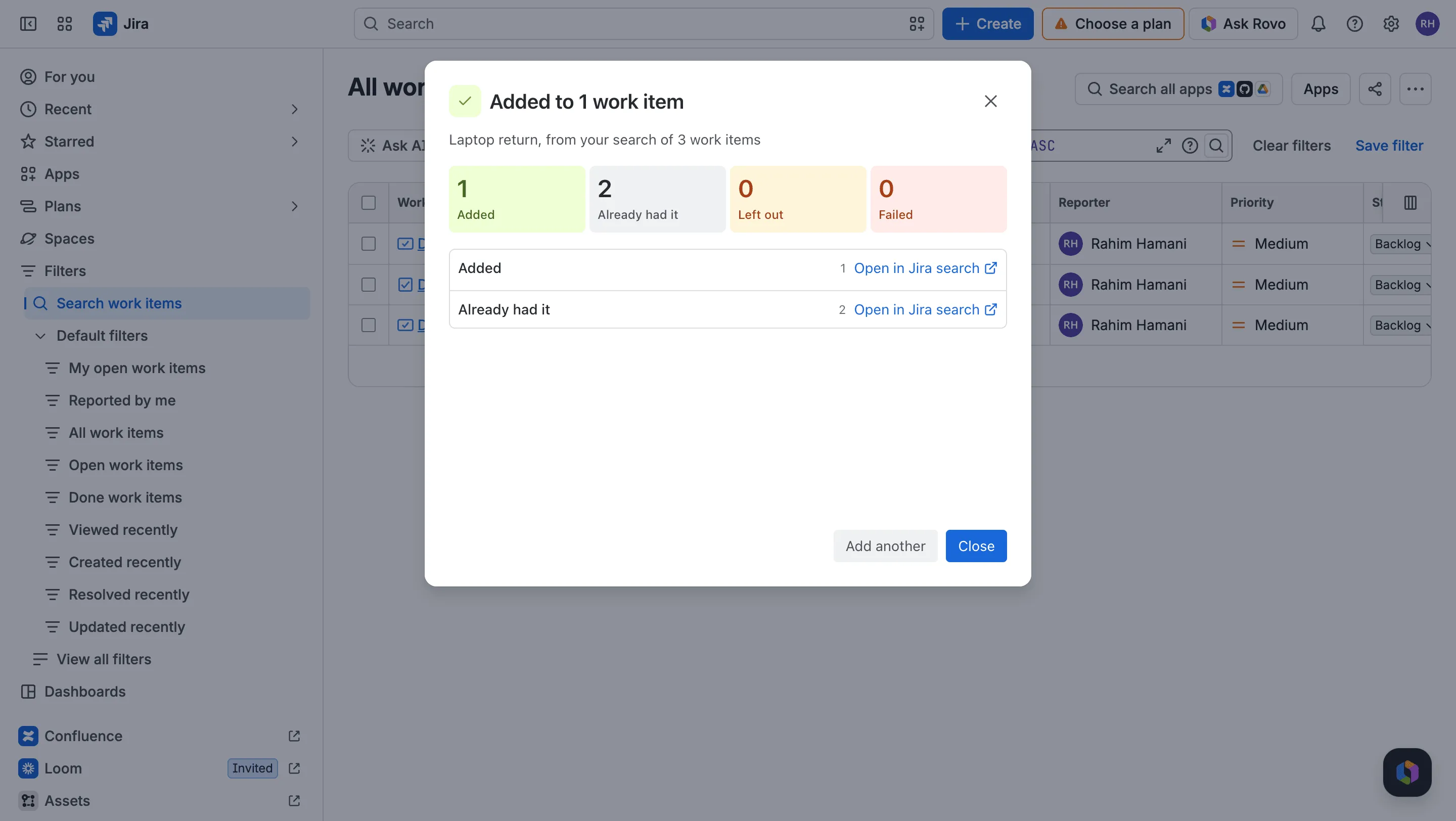
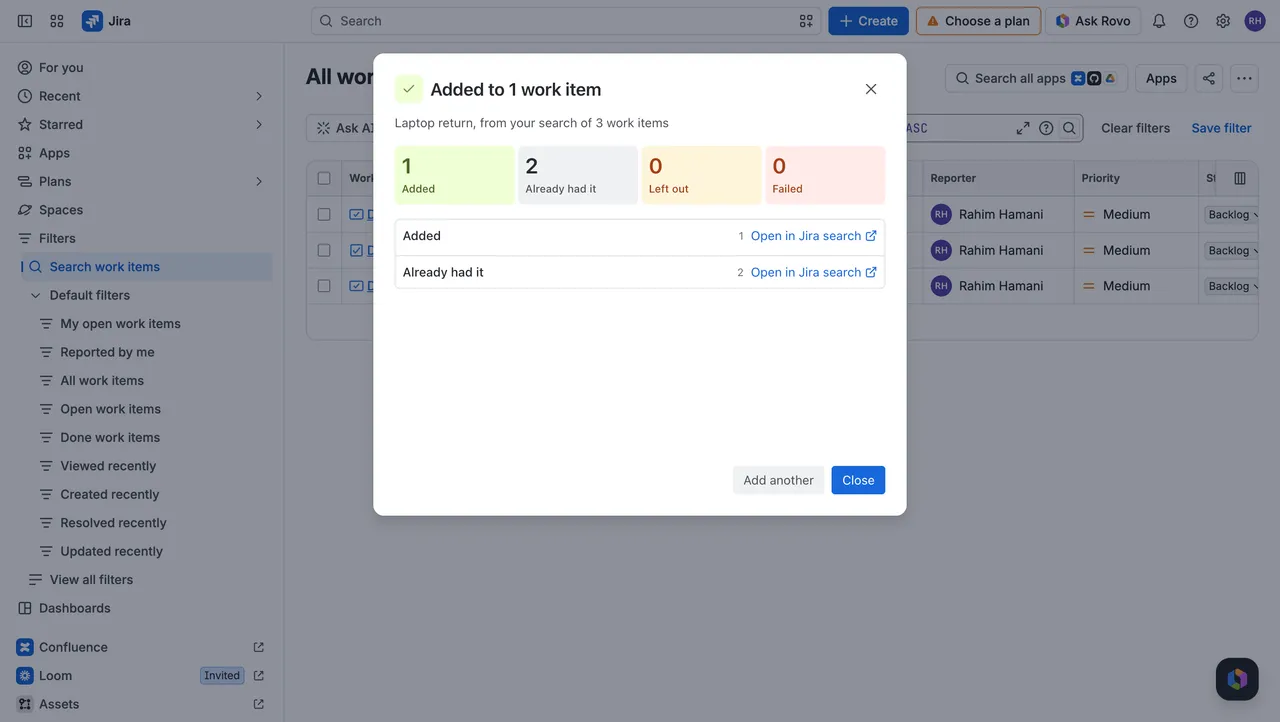
Didit shows the progress, then a summary: how many work items got the checklist, which already had it, and which were left out or failed. You can close the window while it runs; Didit keeps adding the checklists. Open any group in Jira search, and choose “Retry” to try the failed work items again.
Good to know
Who can add a checklist to many work items?
People with Jira’s “Make bulk changes” global permission, the same people who can bulk-edit work items in Jira search. Ask a Jira admin if you don’t see “Add to work items…” in the hub.
Does anyone get an email?
No. People mentioned in the template’s tasks aren’t emailed when you add it to many work items.
Can I use a recurring template?
No. A recurring template shares one current checklist, so every work item would get the same checklist. Use a template without a recurrence.
Can two people run it at the same time?
One run at a time per site. If someone else’s run is still going, the dialog says so; start yours once it’s finished.
I don't see the new checklist on a work item.
Jira can hide the Didit panel on older work items. Open it from the work item’s apps button, or keep the checklist panel visible for the whole project.